White Label Mode: Hide WPVibe on Client Sites
What white label mode does
White label mode hides every WPVibe surface in a site’s WordPress dashboard: the admin menu, the dashboard widget, the entry in the plugins list, the WPVibe AI sidebar in the post editor, and WPVibe’s rows on the Updates and Site Health screens. If the site’s theme registers editable settings, that page stays available under Settings, renamed to “Site Settings” with no WPVibe branding, so clients keep editing real content. The site remains fully manageable through your AI the whole time. White label mode is free on every plan and requires plugin 1.11.0 or newer.
Turn it on
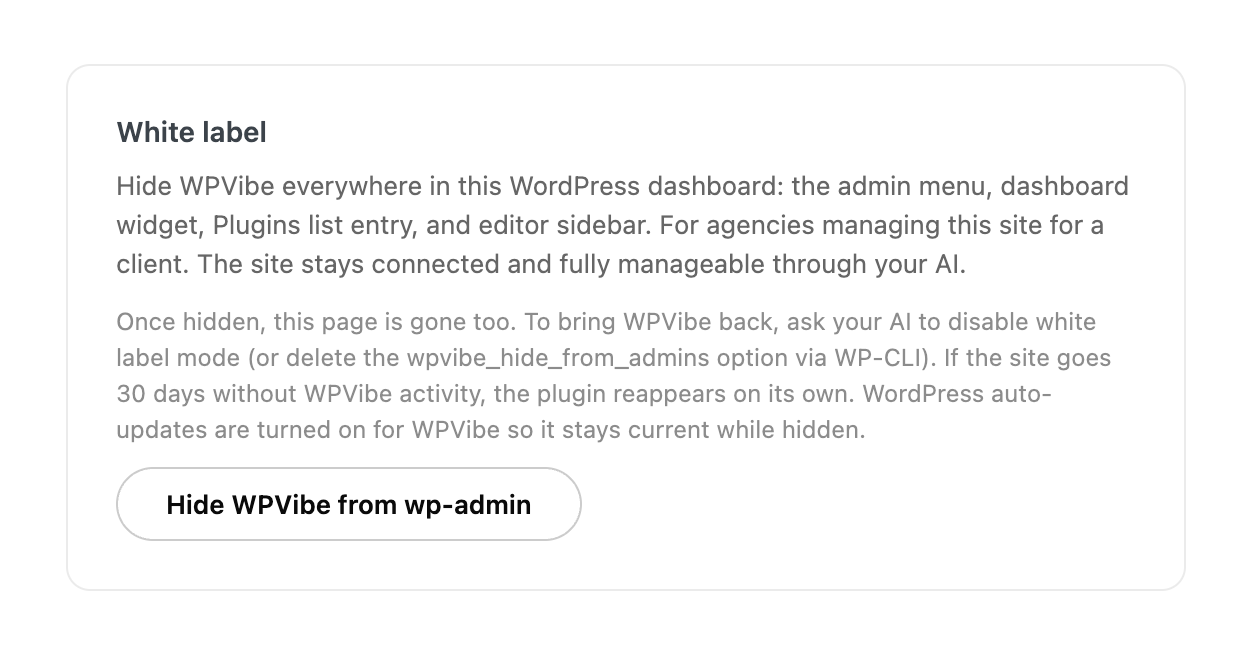
- From wp-admin: open the WPVibe admin page, find the White label card, and click “Hide WPVibe from wp-admin”. The button is available once the site is connected to WPVibe.
- From your AI: ask it to enable white label mode on the site. WPVibe will ask you to approve the change in your browser before anything happens. That approval step is deliberate: hiding the plugin also hides its approval log, so nothing is allowed to hide WPVibe without a human confirming it.
What happens while hidden
WordPress auto-updates are switched on for the plugin automatically, so a hidden site keeps receiving plugin updates through WordPress’s scheduled tasks even though the Plugins screen no longer shows an entry to update from. WordPress may email the site administrator when an automatic update completes; WPVibe deliberately does not suppress those notices. Server administrators with WP-CLI access still see the plugin in wp plugin list, which is intentional.
Bring it back
- Ask your AI to turn off white label mode. Disabling needs no approval, so recovery is one ask.
- WP-CLI on the server:
wp option delete wpvibe_hide_from_admins - Automatically: if the site goes 30 days without any authenticated WPVibe activity, the plugin reappears on its own. An abandoned site can never end up with an invisible plugin nobody can find.
What white label mode does not do
White label mode hides WPVibe from the WordPress dashboard; it does not make the plugin undetectable to technical inspection. The plugin’s files remain on the server, its REST namespace still responds, and the Application Password used for the connection is visible on the connecting user’s profile screen. It also does not rebrand WPVibe as your agency; it removes the branding rather than replacing it.
White label mode applies to the WordPress dashboard only. If you invite a client to a sponsored agency account, the invitation and sign-in emails still come from WPVibe, with your agency named in the message. That is deliberate: a client can always verify that an invitation is genuine before linking their account.