Your AI Just Learned ElementsKit
A plain dropdown menu works for five links. A shop with categories, a venue with rooms and events, or a course catalog needs a wide panel with headings and groups of links, and free Elementor doesn’t build one. Neither does it build the header around your pages: that is the Theme Builder, part of Elementor Pro.
ElementsKit Elementor Addons, the free plugin from Wpmet that WordPress.org counts on 1 million+ sites, does both, with its own header builder and a mega menu. Version 4.0.8 also comes with 15 tools for AI assistants: widgets, headers, footers, mega menus, sections, pages and its template library. ElementsKit serves them through its own channels rather than WordPress’s Abilities REST API: an MCP server for sites running the WordPress MCP Adapter, and a REST route built for Angie, Elementor’s AI agent.
The recipes have WPVibe use that REST route. So we tested them. Today WPVibe ships a verified ElementsKit page and three tested recipes, which means the AI you already use can build your header, add a mega menu to it and put the same section on a stack of Elementor pages, on free Elementor and the free version of ElementsKit.
What you can ask for
Each of these is a copy-paste prompt whose steps we ran against a live ElementsKit install before publishing it:
- Build a site-wide Elementor header: your site name and your own menu in your colors, created switched off, shown to you from a preview link, turned on only on your yes and checked on a real page
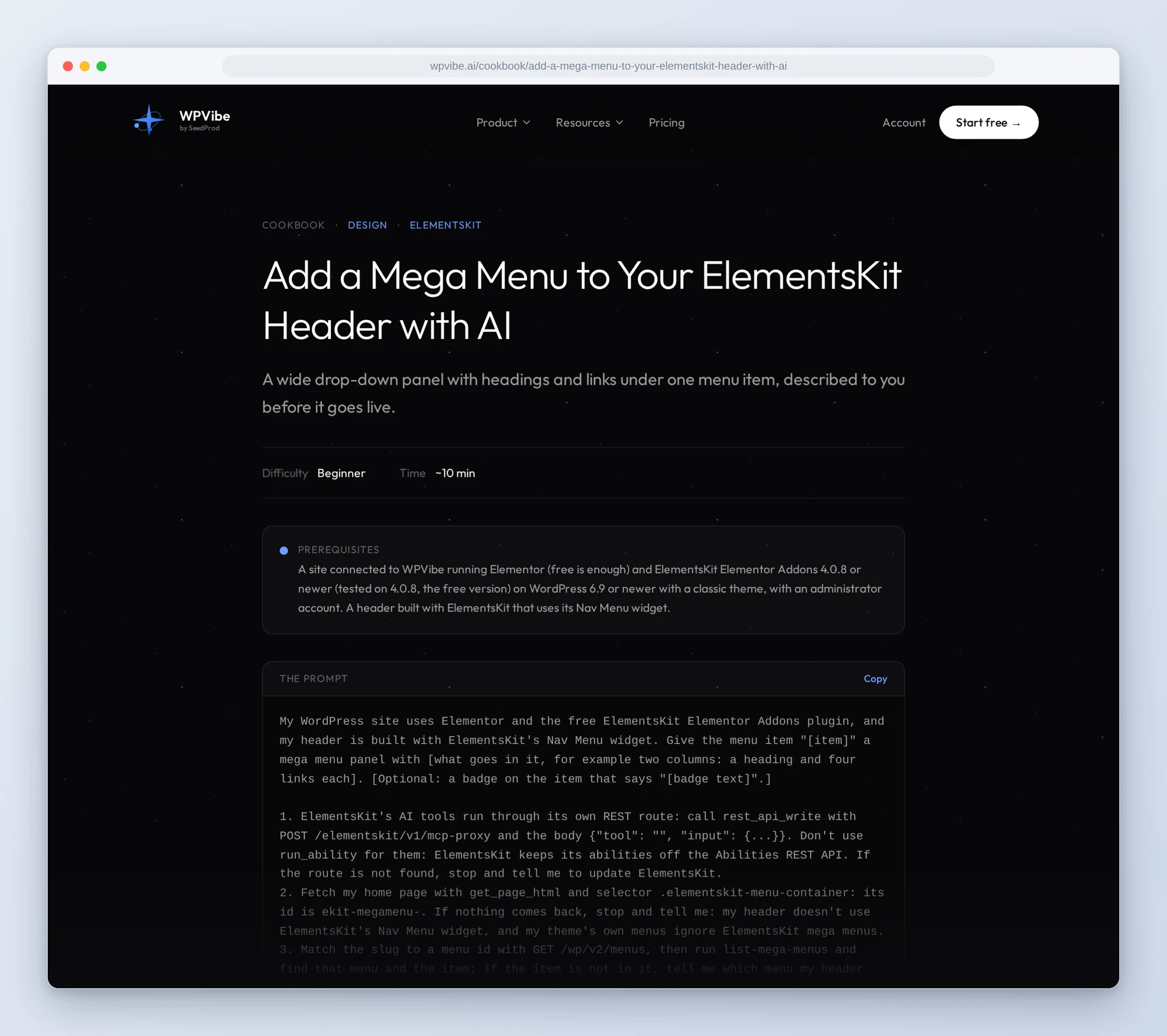
- Add a mega menu to your ElementsKit header: a wide panel with headings and links under the menu item you name, described to you first, with the item’s old settings kept so undoing puts them back
- Add the same section to several Elementor pages: a booking button or a guarantee built once and added to the bottom of every Elementor page you list, each page checked afterward for the new section and for what was already there
In practice it sounds like this. You paste the mega menu recipe and say “give Rooms two columns of links.” Following it, the AI finds the menu your ElementsKit header shows, reads the Rooms item’s current settings and describes the panel it plans. It waits. On your yes it saves the panel, switches mega menu on for that menu if it is off, and fetches a page to confirm the panel is in your header.
Who this is for
- Sites on free Elementor. A real header and a mega menu without Elementor Pro, and without learning ElementsKit’s template screens.
- Shops, venues and course sites. The menus with too many links for a dropdown get a panel with headings, one item at a time.
- Service businesses. The same booking section at the bottom of every service page, including the one you would have forgotten.
- Anyone already running ElementsKit. Paste a recipe and the AI works with the headers and menus you have, and checks the live page after every change.
How to get started
Step 1: Install or update ElementsKit. You need Elementor (the free version is enough) and ElementsKit Elementor Addons 4.0.8 or newer, on WordPress 6.9 or newer with a classic theme. There is no setting to turn on, as long as ElementsKit’s Header Footer and Mega Menu modules are on (ElementsKit > Modules).
Step 2: Install WPVibe and connect the AI you already use. WPVibe is an MCP server that connects the AI you already use to your WordPress site. Install the free WPVibe plugin from WordPress.org. Its settings screen has buttons to add it to Claude or ChatGPT, plus a server address for other AI apps. Sign in with a free WPVibe account when your AI asks, then paste the connect line from the same screen into your AI and open the link it replies with while logged in to your WordPress site. No passwords ever go in the chat.
Step 3: Start with the header. Open the recipe, paste the prompt and fill in your site name, menu and colors. If you already have an ElementsKit header, go straight to the mega menu.
Why these are worth trusting
We installed ElementsKit 4.0.8 with free Elementor on a test site running a classic theme and called all 15 tools through WPVibe. 13 worked and are on the page. One failed with a PHP error on the current Elementor and changed nothing. One built a custom widget and then broke every page on our test site, which keeps uploads in cloud storage, until we unpublished it. Neither is listed. Then we wrote down what would have sent an AI the wrong way:
- The oldest header wins. When two ElementsKit headers are switched on, the older one shows, and the new one doesn’t appear even though its reply says it was activated site-wide. We saw it with footers; headers follow the same code. The header recipe checks for an existing one first and asks before replacing it.
- A new header goes live at once. ElementsKit switches a new header on for the whole site by default, and making a page publishes it straight away. Neither stops for approval through WPVibe, so the recipes build headers switched off and turn them on after your yes.
- Mega menus live in ElementsKit’s menu. Panels show only inside ElementsKit’s Nav Menu widget. Your theme’s own menus ignore them, so the mega menu recipe checks your header uses that widget first.
- Elementor pages only. Adding a section to a page made in the block editor replaced the page’s content in our test. The section recipe checks every page first and skips the ones not built with Elementor.
- Your theme’s header goes with it. On many themes ElementsKit’s header replaces the theme’s header file. On our test theme that took the classes setting the page’s font and background with it. Switching the header off brought them back, so look at a few pages after it goes on.
Credit to Wpmet
Wpmet built these tools into the free plugin, with the same building blocks a person uses in ElementsKit: templates, the Nav Menu widget, mega menu panels and the template library. They also gave the tools their own MCP server and a REST route, built for Angie, which is how WPVibe reaches them. If you already use WPVibe, there is no second connection to set up: paste a recipe and the AI reaches ElementsKit’s tools through WPVibe.
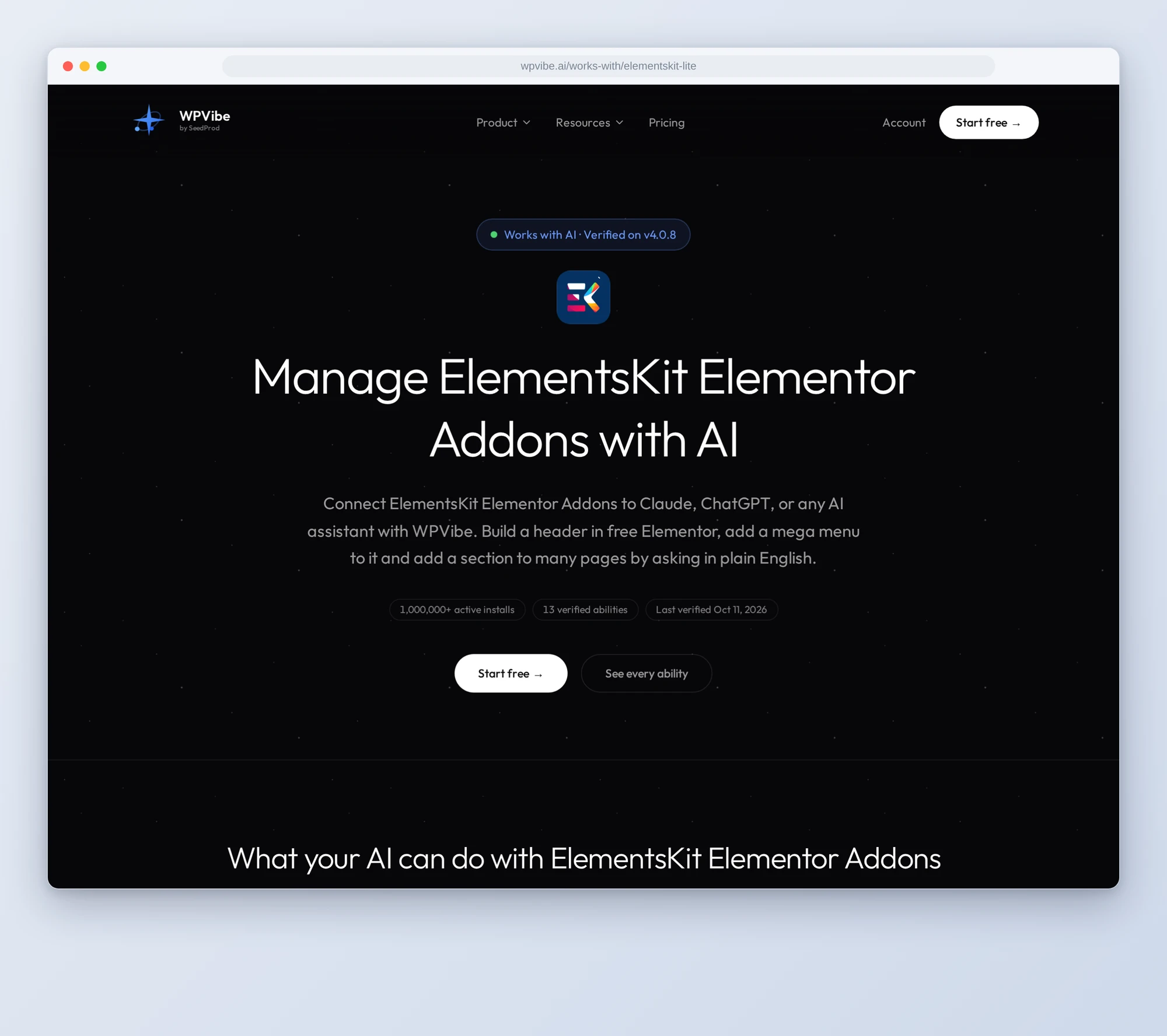
All three recipes live on the ElementsKit page, along with the tools we verified and the gotchas we found. If you only try one, make it the header. It is built switched off, and nothing goes live until you say yes.
John and the WPVibe team
P.S. WPVibe is free to start and works with the Claude or ChatGPT account you already have, so there is no second AI subscription to buy. Connect your site and build your header.