Your AI Just Learned Ninja Forms

Someone lands on your site and wants to know one thing: what will it cost? Your form says “we’ll get back to you”, so they leave and ask someone who shows a number. The people who do fill it in hear nothing until you reply, so they send it again. And at the end of the month you still can’t say which form brought in the most enquiries without opening each one and counting.
Ninja Forms, on 500,000+ sites by WordPress.org’s count, can do all of that: live price calculations, automatic replies, every submission saved on your site. Since version 3.13 it also gives AI assistants abilities to build and change forms, read submissions and export them. WPVibe now has a verified Ninja Forms page and five tested recipes, so the AI you already use can build a form from a description, turn your price list into a live quote form, reply to everyone who fills one in, report on your submissions and sort the leads from the spam.
What you can ask for
Each of these is a copy-paste prompt built on calls we ran against a live Ninja Forms install before publishing it:
- Build a form from a description: the fields with the right types and your own choices, the required ones, the button, the thank-you message and an email of each submission to you, placed on a draft page or behind a share link
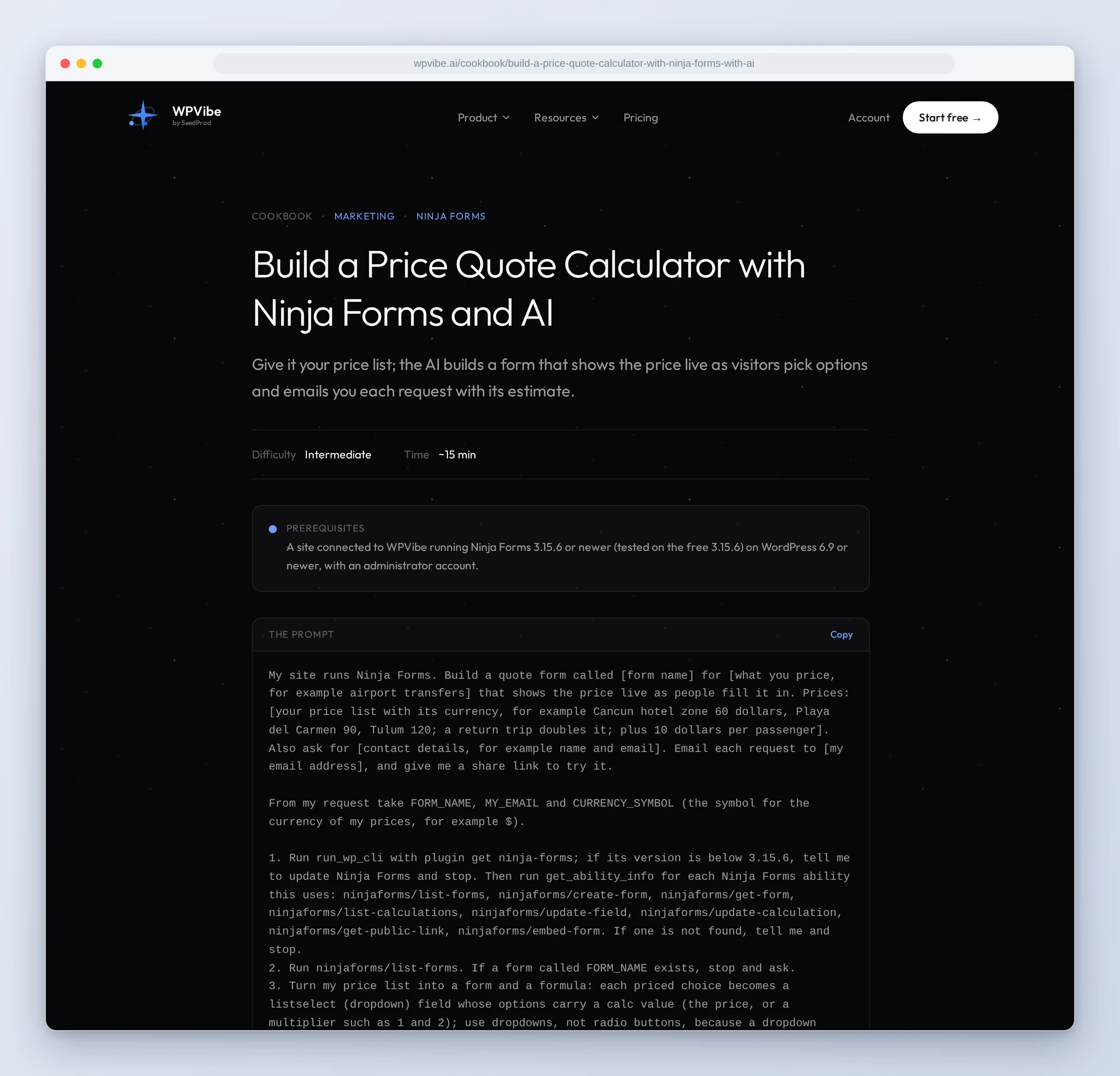
- Build a price quote calculator: your price list turned into a form that shows the estimate as visitors pick options, checked against two examples you work out together first
- Send an automatic reply: everyone who fills in the form hears back at once, with what they picked and what happens next
- Get a monthly report on your submissions: every form this month and last, the ones that got nothing, and the most-picked answers, with nothing changed
- Sort your submissions into leads and spam: likely customers, questions and spam, each with a reason, and a reply drafted for every customer
In practice it sounds like this. You run airport transfers and paste the quote recipe with your prices: Tulum 120 dollars, Playa del Carmen 90, a return trip doubles it, plus 10 per passenger. The AI writes the formula back in plain words and works out two examples with you. On your yes it builds the form, gives you a link to try it, and when you pick Tulum, Return and 3 passengers, the estimate on screen reads 270.00. Each request then reaches your inbox with that estimate at the top. The estimate is worked out in the visitor’s browser, so treat it as a guide and confirm the price yourself.
Who this is for
- Service businesses that quote by hand. Show the price while people are still on the page, and get the request with the estimate already worked out.
- Anyone whose forms go quiet after “submit”. An automatic reply that tells people you have their request, set up in one conversation.
- Owners who want to know which form works. A monthly report across every form, without opening each one and counting.
- Agencies looking after many sites. Build client forms from a brief and sort a month of submissions in minutes.
How to get started
Step 1: Install or update Ninja Forms. The recipes need Ninja Forms 3.15.6 or newer on WordPress 6.9 or newer, with an administrator account. Its abilities are on as soon as the plugin is active, with nothing to switch on.
Step 2: Install WPVibe and connect the AI you already use. WPVibe is an MCP server that connects the AI you already use to your WordPress site. Install the free WPVibe plugin from WordPress.org. Its settings screen has buttons to add it to Claude or ChatGPT, plus a server address for other AI apps. Sign in with a free WPVibe account when your AI asks, then paste the connect line from the same screen into your AI, open the link it replies with while logged in to your WordPress site, and approve. No passwords ever go in the chat.
Step 3: Start with the monthly report. It only reads, so it is the safe first run, and it tells you which forms are worth the other recipes.
Why these are worth trusting
We installed Ninja Forms 3.15.6 on a test site, built a booking form and a feedback survey, and loaded 23 submissions over six weeks: real-looking bookings, survey answers, two spam messages and two written to trick an AI. All 32 abilities ran, and we sent real submissions through the forms in a browser and read every email they produced. We wrote down what would have sent an AI the wrong way, from our tests and from Ninja Forms’ code:
- Ninja Forms has no draft forms. A form accepts submissions once it exists, so the recipes never publish anything: they place a form on a draft page you publish yourself, or turn on a share link when you ask for one, and tell you anyone with that link can use the form.
- A calculated price isn’t saved on its own. The estimate showed on screen but was missing from the saved submission and the email, and a calculation tag in an email stayed unfilled. The quote recipe copies it into a hidden field, and then it arrived in both.
- Radio buttons start empty. With a radio button for the trip, the estimate showed only the per-passenger part until one was picked. Dropdowns always have an option picked, so the recipe uses dropdowns and the price is right from the start.
- An automatic reply goes to whatever address is typed. If it repeats what people typed, a bot can use your form to email its own words to anyone. Ninja Forms only accepts dropdown, radio and checkbox answers from the form’s own list, so without a captcha the reply repeats only those.
- Deletes ask first; everything else runs at once. Deleting a form, field or submission goes to WPVibe’s approval page in your browser. Building and changing forms runs straight away, and so do two riskier ones the recipes never use: changing Ninja Forms’ settings and emailing a saved submission to any address. Placing a form on a new page publishes it unless the AI asks for a draft, which the recipes always do.
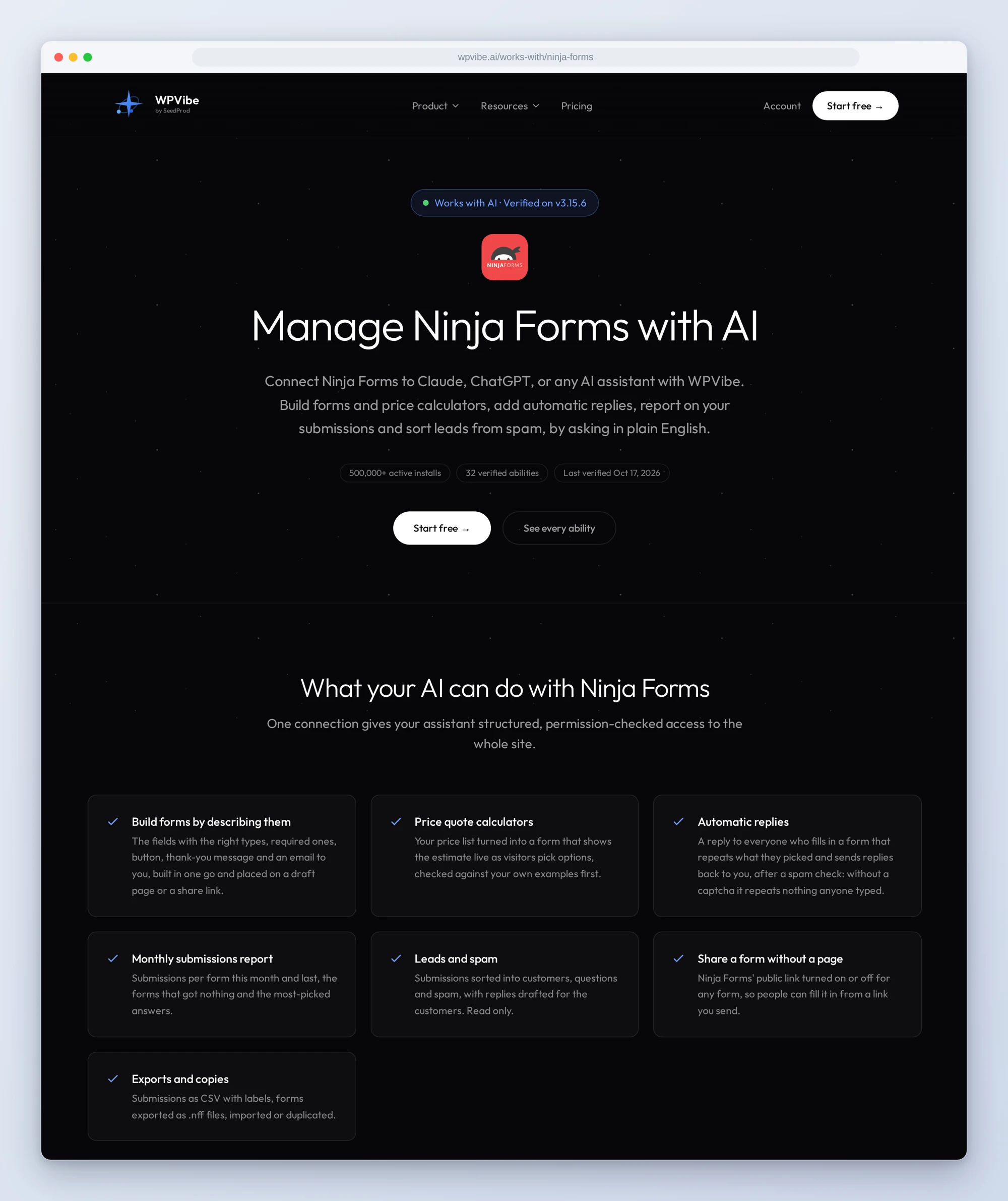
The Ninja Forms page has every ability we verified and the gotchas we found. If you only try one, make it the quote calculator. It is the one your visitors will notice.
John and the WPVibe team
P.S. WPVibe is free to start and works with the Claude or ChatGPT account you already have, so there is no second AI subscription to buy. Connect your site and let your form show the price.