Your AI Just Learned SureRank SEO

Plenty of WordPress posts never get a meta description written for them. Nobody decides that. There are forty posts, a deadline, and a plugin that fills the gap with the first words of the post. So search results can show a sentence that stops halfway, and a page with no text of its own, like a builder homepage with no text, sends no description at all.
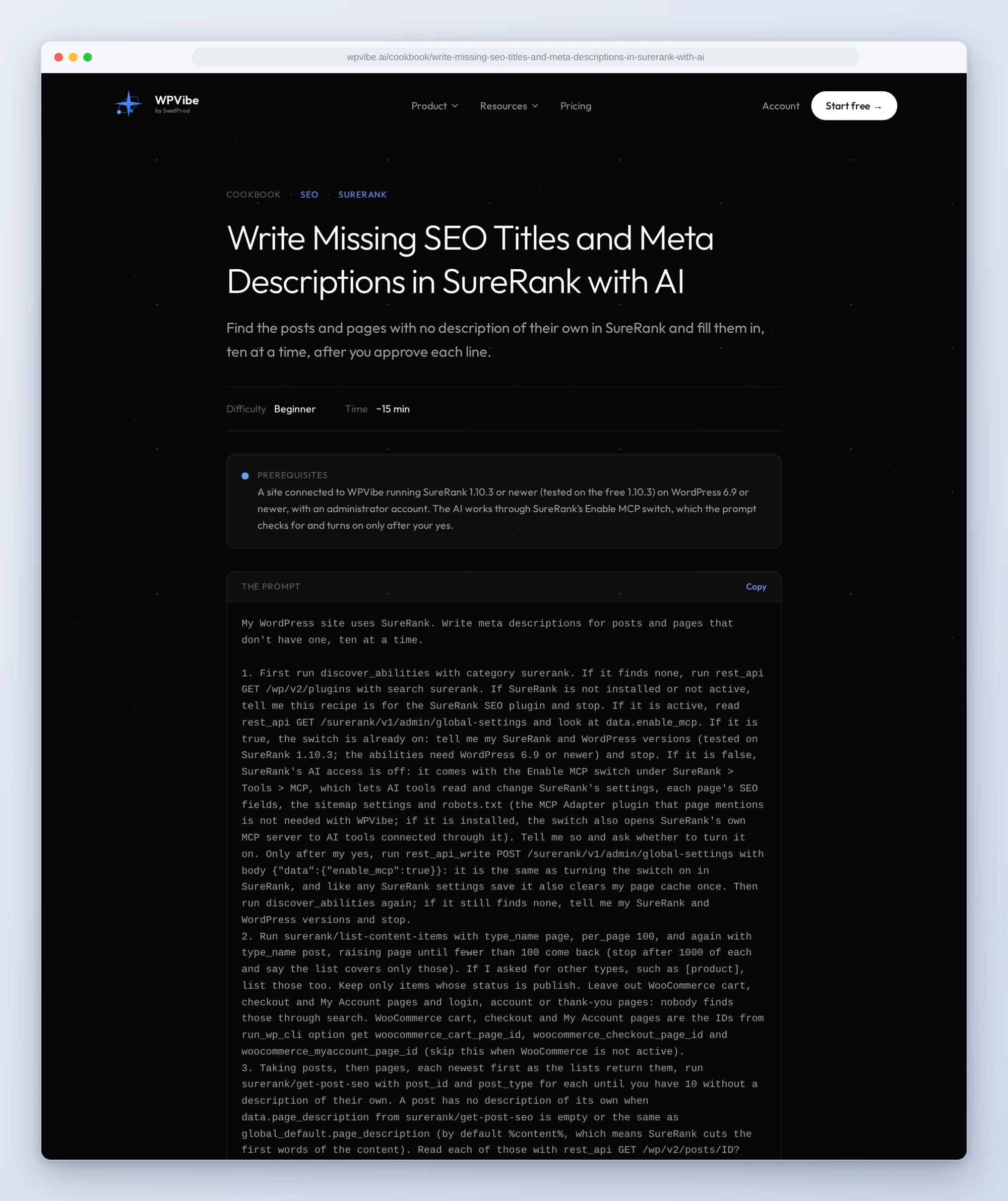
SureRank, the free SEO plugin on 300,000+ sites by WordPress.org’s count, registers 14 abilities: read and change each post’s and each category’s SEO fields, run its SEO checks, and read or change its settings, sitemap settings and robots.txt. We tested all 14 on SureRank 1.10.3, the free version. WPVibe now has a verified SureRank page and five tested recipes, so the AI you already use can do the SEO chores that never make the to-do list.
What you can ask for
- Write missing meta descriptions: the AI finds the posts and pages with no description of their own, writes one from what each post says, and saves only the lines you approve, ten at a time.
- Keep utility pages out of Google: thank-you, login and account pages get noindex and leave the sitemap, after you confirm the list.
- Get an SEO health check: settings, sitemap, robots.txt, homepage and SureRank’s checks on your newest posts, sorted into fix now, worth doing and fine to ignore.
- Fix how your posts look when shared: see the card a post makes on Facebook, LinkedIn or X, and set its title, text and image.
- Describe your category pages: category and tag pages get a search description written from the posts in them.
In practice it sounds like this. You paste the first recipe. The AI checks whether SureRank’s AI access is on. On most sites it isn’t yet, so it tells you what the switch does and asks. After your yes it turns it on, goes through your posts newest first, and stops at the first ten with no description of their own. It reads each one and shows you a table: the post, the new description and its length. You strike two lines and approve the rest. It saves those eight, checks the first one in the live page source, and asks before the next ten.
Who this is for
- Bloggers and small businesses with a backlog. Dozens of posts and pages that went live without a description. Fill them ten at a time, in your own words, with each line approved.
- Shops and membership sites. Cart, checkout, account and thank-you pages have no business in search results. Find them, confirm, done.
- Agencies looking after client sites. A plain-language SEO check per site that says what to fix first and where to fix it in wp-admin.
How to get started
Step 1: Install SureRank. The recipes are tested on the free SureRank 1.10.3 (tested on the free 1.10.3), WordPress 6.9 or newer and an administrator account. SureRank keeps its AI access off until its Enable MCP switch under SureRank, Tools, MCP is on. You can turn it on yourself, or let the recipe do it: every recipe checks first and asks before WPVibe flips it. Like any SureRank settings save, turning it on clears your page cache once.
Step 2: Install WPVibe and connect the AI you already use. WPVibe is an MCP server that connects the AI you already use to your WordPress site. Install the free WPVibe plugin from WordPress.org. Its settings screen has buttons to add it to Claude or ChatGPT, plus a server address for other AI apps. Sign in with a free WPVibe account when your AI asks, then paste the connect line from the same screen into your AI, open the link it replies with while logged in to your WordPress site, and approve. No passwords ever go in the chat.
Step 3: Run the SEO health check. It’s the gentlest first run: apart from switching SureRank’s AI access on, and off again if you want, it only reads, and it tells you what to fix first and where.
Why these are worth trusting
We installed SureRank 1.10.3 on a test site with posts, pages, categories and a WooCommerce shop, ran all 14 abilities through WPVibe, and checked the results in the live page source. We wrote down what would have sent an AI the wrong way:
- A cut-off description counts as present. SureRank’s own checks pass a post whose description is just the first words of the content. So the recipes compare each post’s fields with the site default to find the ones nobody wrote.
- Percent signs can eat text. SureRank reads anything between two percent signs as a placeholder. “Rates drop 10%-20%” came out as “Rates drop 10”. The recipes write the word percent.
- Undoing noindex takes “no”. An empty value changed nothing: the page stayed out of search; setting it to no brought it back, and back into the sitemap.
- Shop pages say noindex but stay in the sitemap. SureRank marks WooCommerce cart, checkout and My Account pages noindex on the fly, yet lists them in its sitemap until noindex is set on them. The noindex recipe checks the sitemap file, not just the setting.
- A social image from a CDN becomes a copy. An image address that isn’t on your own site is saved as a new file in your media library. The recipe tells you before it happens.
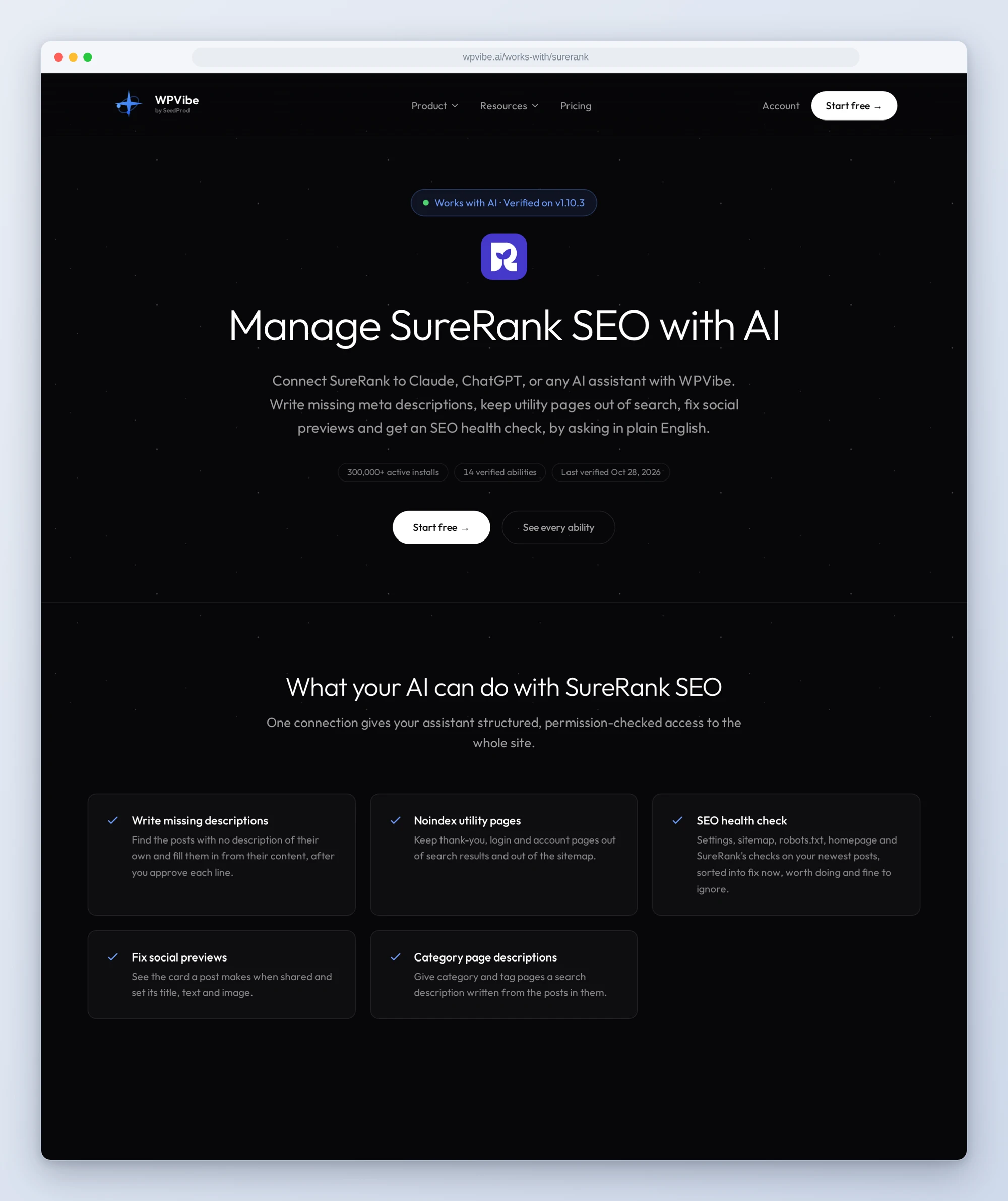
The SureRank page has all 14 abilities and what we learned testing them. If you only try one, run the health check today. It takes about ten minutes and tells you where your SEO actually stands.
John and the WPVibe team
P.S. WPVibe is free to start and works with the Claude or ChatGPT account you already have, so there is no second AI subscription to buy. SureRank is free on WordPress.org too.