Your AI Just Learned Otter Blocks
A customer tells you they filled in your contact form last week and never heard back. You search your inbox and there’s nothing. Your form said the message was sent, so you never thought to check. Often the cause is small and invisible from the outside: the form’s email was switched off, it goes to an old address or to the site admin email nobody reads, or it’s sent from an address inboxes treat as fake.
Otter Blocks, Themeisle’s block plugin on 300,000+ sites by WordPress.org’s count, has a Form block for contact, booking and newsletter forms. Its current version gives AI assistants abilities to find every form on your pages and posts with its email settings, change where a form’s email goes and what visitors see after sending, and read the submissions Otter saves. WPVibe now has a verified Otter Blocks page and five tested recipes, so the AI you already use can find out why form emails stopped arriving, fix them with your yes, and find the people who wrote to you in the meantime.
What you can ask for
All five are copy-paste prompts built on calls we ran against a live Otter Blocks install before publishing them:
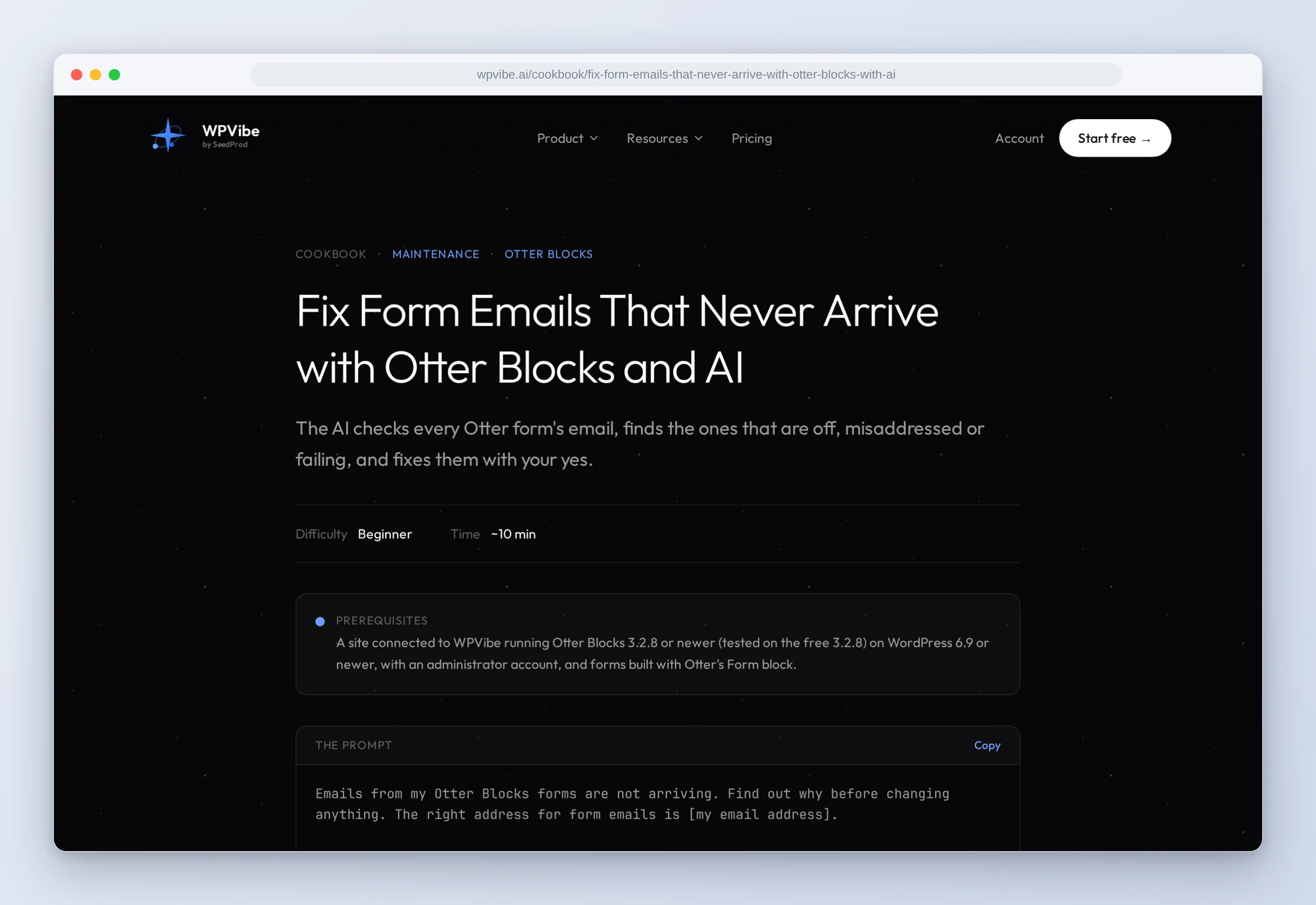
- Fix form emails that never arrive: the AI checks every Otter form’s email (switched off, going to the admin email or an old address, sent from a Gmail address, failing, or replaced by a mailing list) and tells you what it found before changing anything. On your yes it fixes one form at a time.
- Find the messages that never reached you: the people whose message failed to send or went to the wrong inbox, with what they asked and a short reply drafted for each. It only reads.
- Send visitors to a thank-you page: the AI drafts the page from your words and, once you like it, publishes it and points the form at it, so your analytics or ads can count each lead.
- Get a monthly report on your submissions: submissions per form this month and last, the forms that got nothing, the most-picked answers and the emails that failed. It only reads.
- Sort your submissions into leads and spam: customers, questions and spam, with replies drafted for the customers. Nothing changes.
In practice it sounds like this. You say emails from your forms aren’t arriving and give the address they should go to. The AI reads every Otter form on the site and finds two problems: the contact form still emails an address you stopped using, and the booking form’s email is switched off. Eight booking enquiries were saved on the site but never emailed to anyone. Before it changes anything, it tells you to run the messages recipe first, because once a form is fixed those enquiries can’t be told apart. That recipe lists the eight people with a reply drafted for each. Then you pick the fixes. The AI shows each one using Otter’s preview, which saves nothing, and waits. You say yes. It saves the change, reads it back, and asks you to send one test message yourself.
Who this is for
- Small businesses that live on enquiries. A booking or quote form that quietly stopped emailing costs you customers you never hear about. Check it in about ten minutes, and find the people who already wrote.
- Agencies looking after client sites. Check every form’s email on a site you inherited, point the forms at the client’s real inbox, and add a thank-you page their ads can count.
- Anyone who wants to know what their forms bring in. A monthly count per form and a sorted list of leads and spam, without opening submissions one by one.
How to get started
Step 1: Install Otter Blocks. The recipes need Otter Blocks 3.2.8 or newer (tested on the free 3.2.8), WordPress 6.9 or newer, an administrator account, and forms built with Otter’s Form block, on an HTTPS site. There is nothing to switch on: the abilities are there as soon as the plugin is active.
Step 2: Install WPVibe and connect the AI you already use. WPVibe is an MCP server that connects the AI you already use to your WordPress site. Install the free WPVibe plugin from WordPress.org. Its settings screen has buttons to add it to Claude or ChatGPT, plus a server address for other AI apps. Sign in with a free WPVibe account when your AI asks, then paste the connect line from the same screen into your AI, open the link it replies with while logged in to your WordPress site, and approve. No passwords ever go in the chat.
Step 3: Run the fix-form-emails recipe. Even if you think your emails arrive, it’s the safest first run: it tells the AI to check every form and change nothing until you say yes.
Why these are worth trusting
We installed Otter Blocks 3.2.8, the free version, on a test site with three real forms, sent 25 submissions through them like visitors would, and ran all three of its abilities through WPVibe. All three are verified. We wrote down what would have sent an AI the wrong way:
- “Complete” doesn’t mean you got the email. A form whose email is switched off still marks its submissions complete, because nothing failed. So does a form emailing an old address. The recipes read each form’s settings too.
- Otter keeps the message even when the email fails. It saves the submission before sending, so the message is still on your site even though the email never arrived. But in our test the visitor saw an empty error box instead of your thank-you message, so some may send the form again.
- Email changes don’t go through WPVibe’s approval page. They run straight away. So the recipes run Otter’s own preview first, show you the exact values and wait for your yes in the chat.
- A mailing-list form can send you nothing at all. From Otter’s code: a form set to Subscribe Only adds people to Mailchimp or Brevo and emails you nothing. The recipe finds those forms and sends you to the block editor to switch them to Default or Submit & Subscribe, since Submit & Subscribe adds a consent box.
- Reload the editor before you save. From Otter’s code, not our test: if the form’s page was already open in the block editor before the AI’s change, saving it there writes the old form settings back.
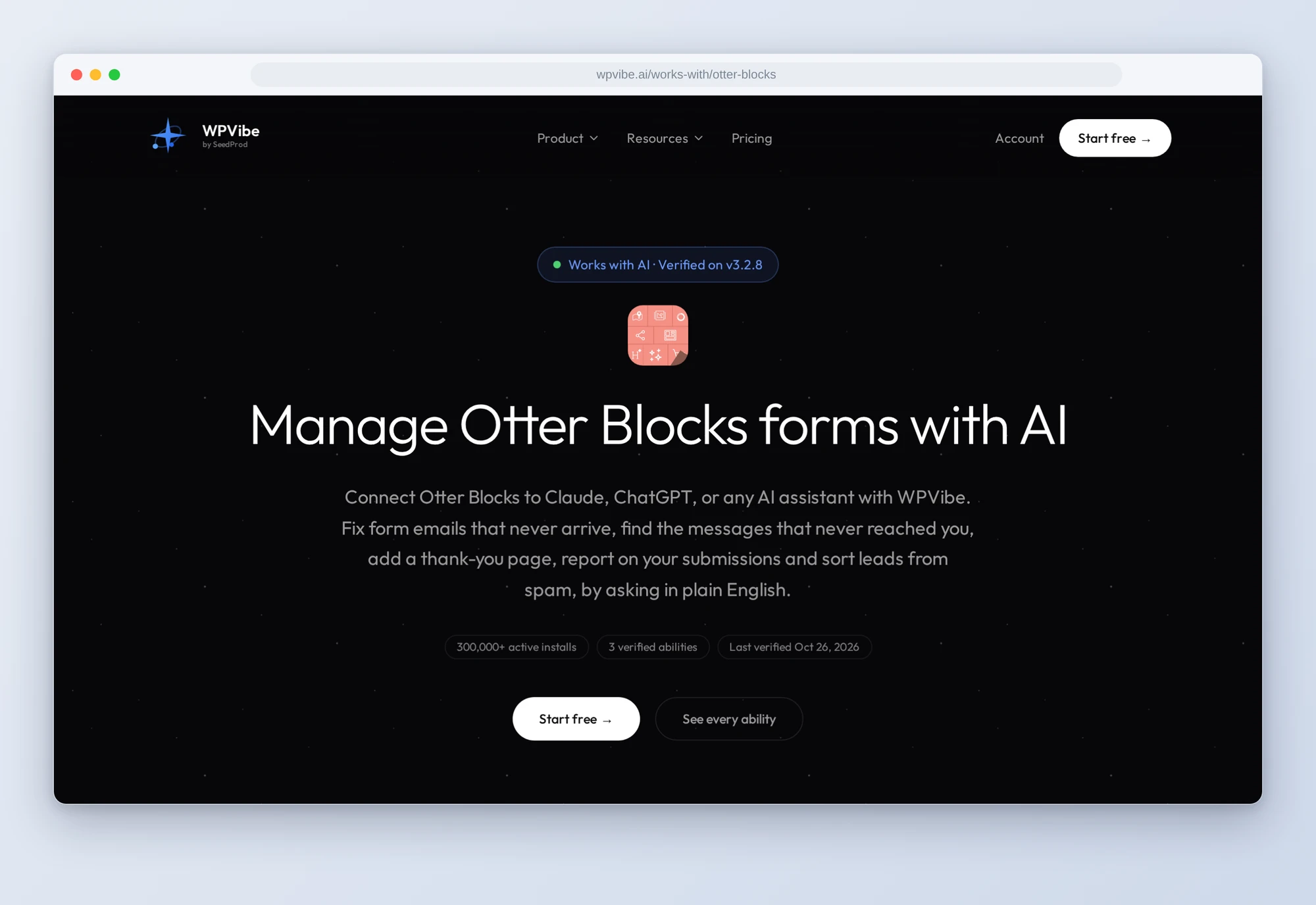
The Otter Blocks page has all three abilities and what we learned testing them. If you only try one, paste the fix-form-emails recipe and ask why your form emails aren’t arriving. If nothing is wrong, you’ll know that too.
John and the WPVibe team
P.S. WPVibe is free to start and works with the Claude or ChatGPT account you already have, so there is no second AI subscription to buy. Run the check once, then send your own form a test message.