SeedProd Pages That Finish Themselves
If you’ve used WPVibe to build SeedProd pages, you know the routine that came at the end. The AI designs the page, the draft looks great, and then: open the page in the SeedProd builder, click Save, close it. Repeat for every page. Not hard, exactly. But it’s homework, and it’s the kind of homework you forget, which means a page that looks finished in the builder and unstyled to the world.
That routine is over.
SeedProd pages now finish themselves
As of WPVibe 1.8, every SeedProd page and theme template WPVibe builds renders on your site automatically. No builder visit, no Save click, no half-finished pages waiting for you to remember them. Ask for a landing page, approve the draft, and it’s live-ready, styled, and rendering.
Under the hood, WPVibe triggers the builder’s own save step for you, so the result is byte-for-byte what SeedProd itself would have produced. And because “the AI signs into my site” should raise an eyebrow, here’s exactly how that’s kept safe: the save runs through a single-use sign-in link that expires in two minutes and is scoped to that one page. It can’t touch anything else, it can’t be reused, and two minutes later it’s dead. Nothing else on your site is exposed, ever.
Not just pages. Whole sites.
The other half of this release is a new whole-site playbook. WPVibe already knew SeedProd’s blocks and sections well (it’s the deepest builder integration we ship). Now it knows how to think in sites, not pages: headers, footers, a homepage, inner pages, the global parts that make everything match.
Which means requests like these are on the table:
- “Build me a site for my consulting business” and get a coherent SeedProd theme, not a pile of disconnected pages.
- “Redo my header and footer to match the new brand colors” as one conversation, applied site-wide.
- “Add a services page that matches the rest of the site” and have it actually match, because the AI can read the design it’s extending.
Everything arrives as a draft first. You preview, you request changes, and nothing replaces your live site until you say publish. Same safety rules as always; they don’t bend for big jobs.
How to get started
Step 1: Have SeedProd installed. The free version works; theme building uses SeedProd’s theme features where available.
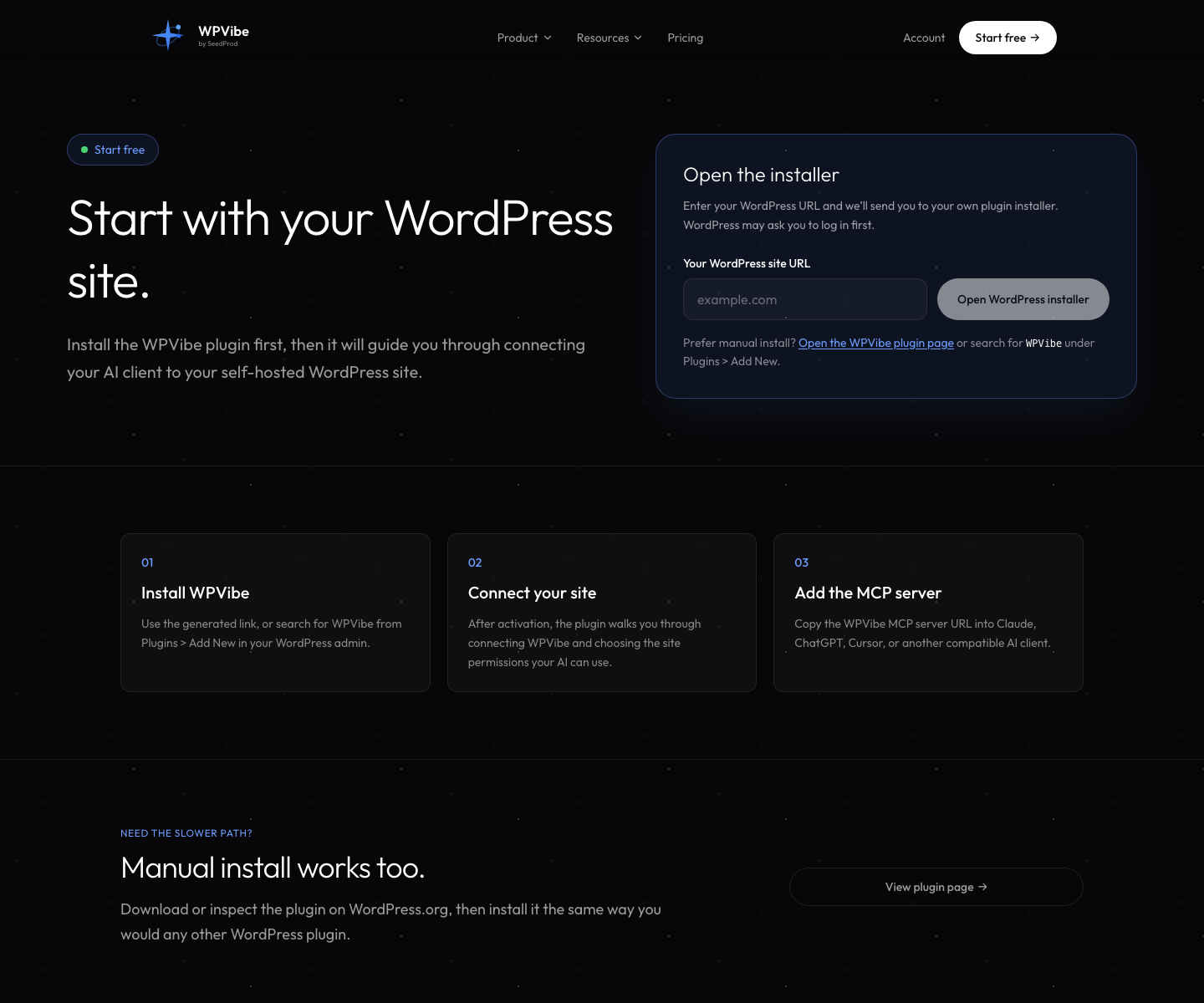
Step 2: Connect your site at wpvibe.ai/start. About 30 seconds, any host.
Step 3: Ask big or small. “A coming-soon page for my bakery” or “a whole site for my bakery.” Both work now. The same goes for switching coming soon or maintenance mode on once the page exists.
Step 4: Preview, tweak, publish. The AI iterates as long as you want before anything goes live.
Why this matters to us
SeedProd is family (WPVibe comes from the same team), so this integration is where we hold ourselves to the highest bar. “AI builds the page but you finish it by hand” was below that bar. The page you ask for should be the page you get, rendered and done.
If you tried SeedProd building with WPVibe before and the Save-click dance annoyed you, this is your release. And if you’ve never asked an AI to build you a page, start with something you actually need. It’s more fun when it’s real.
Thanks for building with us.
John and the WPVibe team
P.S. SeedProd building, theme building included, is free in WPVibe like everything else. Connect at wpvibe.ai/start, or install the plugin from WordPress.org (listed there as “Vibe AI,” same plugin).