WPVibe Now Speaks Divi, 5 Included
Divi powers millions of WordPress sites, and right now it is in the middle of its biggest change since launch: the move from Divi 4 to Divi 5. Ask a general-purpose AI for help with any of it and you’ll get HTML soup, or a tour of menus you still have to click through yourself. Your pages live in Divi. The AI’s answers don’t.
As of this week, they do. WPVibe now speaks Divi, and it speaks both generations.
What “real Divi pages” means
When WPVibe builds a page, the result is a native Divi layout. Open it in the Visual Builder and everything is there: sections, rows, modules, your brand colors, each piece individually editable, exactly as if you’d built it by hand. Your AI works with the same structure Divi itself saves.
Here’s what that unlocks:
- Full pages from a conversation. “Build a landing page with a hero, three feature blurbs, and pricing” comes back as a page you can preview, then refine in chat or in the builder. Your choice.
- Divi 4 and Divi 5, both. New pages render correctly on either version. On Divi 5, the first time you open one in the Visual Builder, Divi upgrades it to the new format automatically. Nothing to convert by hand.
- Edits to existing pages. Recolor a section, rewrite a heading, add a testimonial block. WPVibe detects which format the page is stored in, Divi 4 shortcodes or Divi 5’s new block format, and edits it in place either way.
- Theme Builder support. Global headers and footers, navigation menu included. WPVibe builds the layouts, wires them into Divi’s Theme Builder, and reuses your existing template instead of leaving you with duplicates.
About that Divi 5 migration
If you’re on Divi 5 or planning the jump, this is the part that matters. Divi 5 stores pages in a completely new format, and half-migrated sites are common: some pages converted, some still in Divi 4 shortcodes, all on the same install. WPVibe handles that mix the way Divi does. It reads both formats, edits each one natively, and never forces a conversion you didn’t ask for. If a change would mean rebuilding a whole layout, it stops and asks first.
Headers and footers, the whole site at once
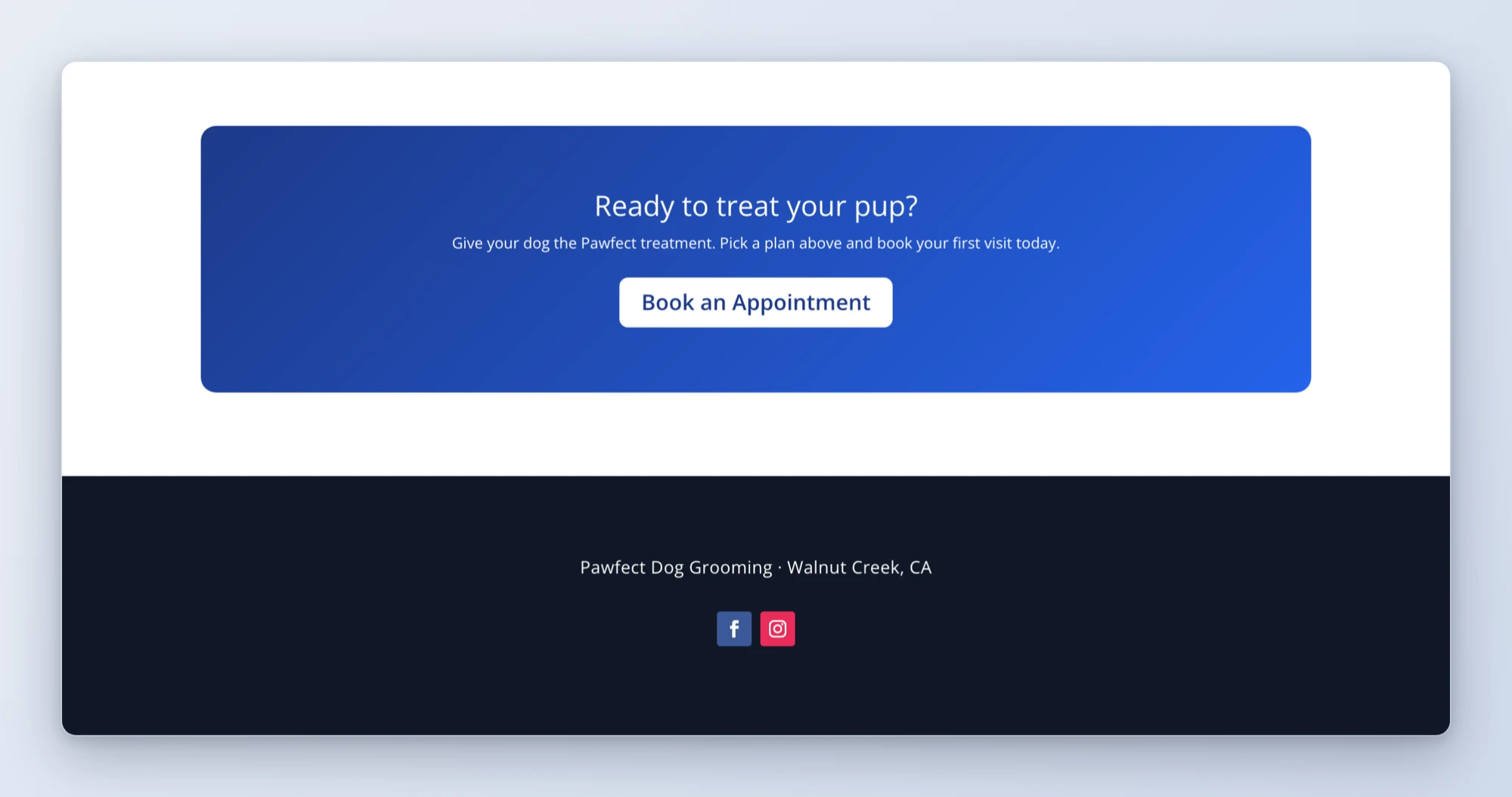
The Theme Builder is the part of Divi most people set up once and never want to touch again. Now it’s a conversation: “give my site a proper header with navigation and a dark footer with social icons” comes back applied site-wide, with a report of exactly what was created so you can adjust it in the Theme Builder screen whenever you like.
Three recipes to start from
We shipped three tested cookbook recipes alongside this release, each one a copy-paste prompt:
- Build a Divi landing page with AI
- Create a global Divi header and footer with AI
- Edit an existing Divi page with AI
How to get started
Step 1: Connect your site. About 30 seconds at wpvibe.ai/start, on any host.
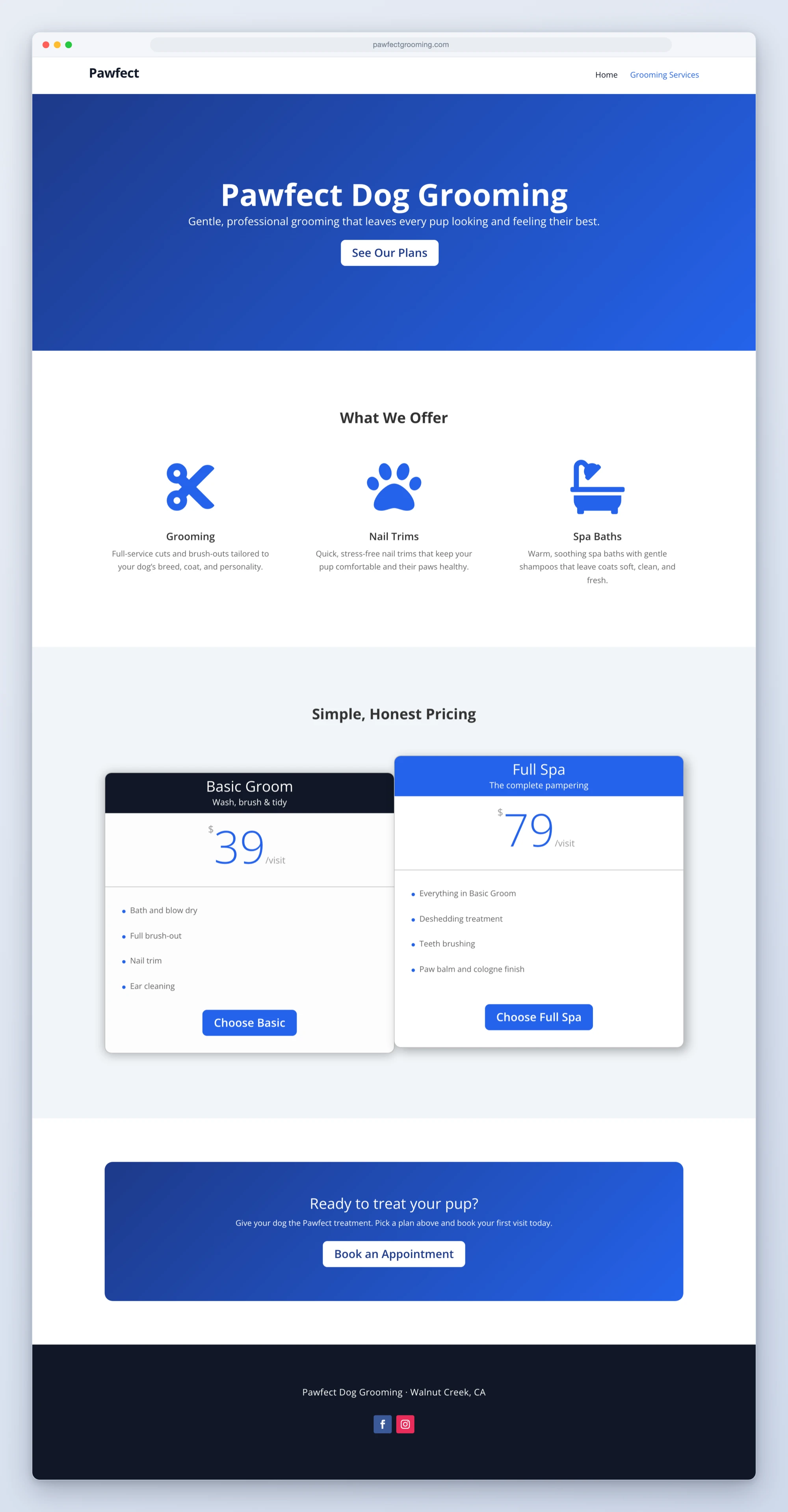
Step 2: Ask for a page. Specific works: “a pricing page with three tiers and an FAQ, SaaS style.” So does vague: “make me something for my dog grooming business.”
Step 3: Preview it. WPVibe builds drafts first, so nothing touches your live site until you’ve seen it.
Step 4: Polish wherever you prefer. Keep going in chat, or open the Visual Builder and adjust by hand. It’s a normal Divi page either way.
Tested against the real thing
Builder integrations rot fast, so this one runs against live Divi 4 and Divi 5 installs on every release, building and verifying real pages end to end. Before shipping, we also handed the whole thing to AI agents that had never seen our code and told them to build real pages for made-up clients. They did, the pages worked, and the things that confused them got fixed before any of it reached you.
If you run a Divi site, start with the page you’ve been putting off. Everyone has one.
Thanks for building with us.
John and the WPVibe team
P.S. Divi support is free, like every WPVibe feature. Connect at wpvibe.ai/start, or install the WPVibe plugin from WordPress.org.