Your AI Just Learned Advanced Custom Fields
A lot of ACF sites are built by one person and run by another. A developer sets up a post type with a dozen fields, hands the site over, and from then on most changes mean a trip through edit screens: a price goes up on one listing, thirty new entries arrive in a spreadsheet, and nobody knows which entries are missing a photo until a visitor notices.
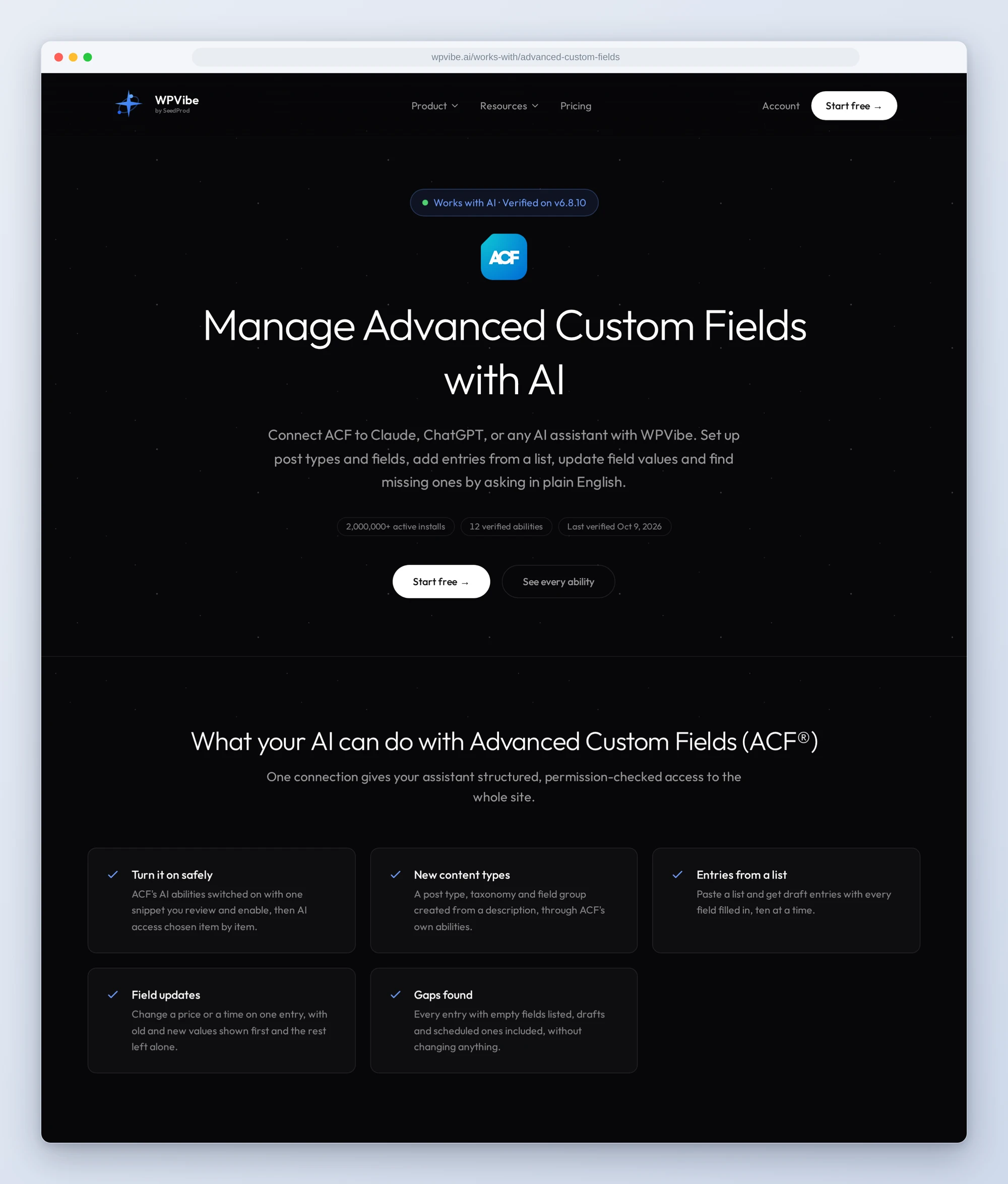
Advanced Custom Fields (ACF®) 6.8 added support for the WordPress Abilities API to the free plugin. With it switched on, an AI assistant can create post types, taxonomies and field groups in ACF, and list, create, read, update and delete the entries and terms in the post types and taxonomies you build there, fields included.
So we tested them. Today WPVibe ships a verified ACF page and five tested recipes, which means the AI you already use can do that work with you, on the free version of ACF.
What you can ask for
Each of these is a copy-paste prompt whose steps we checked against a live ACF install before publishing it:
- Turn on ACF’s AI abilities: the AI writes the one line of code they need as a WPCode snippet, saved switched off for you to review and enable, then tells you where to choose what it can reach
- Set up a post type with its fields: describe what it holds, approve the plan, and get the post type, a taxonomy and a field group in ACF, with one sample draft entry read back so you can see the fields save
- Add entries from a list: paste a table and get draft entries with their fields filled in from it, ten at a time, with any value that does not fit flagged before anything is saved
- Update field values on an entry: the old and new value of each field shown side by side, only the changed fields saved, and the rest checked afterward
- Find entries with missing fields: every entry with empty field values listed, drafts and scheduled ones included, with edit links, and nothing changed
In practice it sounds like this. You paste a list of rental villas with their nightly rates, bedrooms and views. Following the recipe, the AI reads the fields ACF reports for your Villas post type, matches your columns to them, and tells you that “sea view” is not one of the choices in your View field before it saves a thing. It shows you the first ten exactly as they will be saved, waits for your yes, creates them as drafts, sets their amenities, and reads each one back.
Who this is for
- Agencies and developers who build on ACF. The client can change a price or add next season’s listings by asking, and those recipes work with the fields you designed rather than redesigning them.
- Site owners running directories, listings and team pages. The spreadsheet of new entries, the one changed check-in time and the hunt for missing photos are a conversation now, not an afternoon of edit screens.
- Anyone starting a new content type. Describe what you want to store, and the post type, taxonomy and fields are created in ACF’s own screens, where you can keep editing them by hand.
How to get started
Step 1: Update ACF and install WPVibe
Update Advanced Custom Fields to 6.8 or newer, on WordPress 6.9 or newer. The free version is all you need. Then install the free WPVibe plugin from WordPress.org.
Step 2: Connect the AI you already use
WPVibe’s settings screen has buttons to add it to Claude or ChatGPT, plus a server address for other AI apps. Sign in with a free WPVibe account when your AI asks, then paste the connect line from the same screen into your AI and open the link it replies with while logged in to your WordPress site and approve the connection. No passwords ever go in the chat.
Step 3: Turn on ACF’s abilities
Run the first recipe. It needs the free WPCode plugin, and only you can switch the snippet on. Then switch on Allow AI Access for the field groups, post types and taxonomies you want the AI to work with, and keep Show in REST API on for each. If you just want to know which entries are missing details, that recipe needs none of this, only Show in REST API switched on for the post type and its field group.
Why these are worth trusting
We installed ACF 6.8.10 on a test site, built a post type and a taxonomy with real fields, and verified 12 of ACF’s abilities through WPVibe before writing a single recipe. Then we wrote down what would have sent an AI the wrong way:
- The abilities ship switched off, and there is no switch in wp-admin. They turn on with one line of code. After that, each field group, post type and taxonomy has its own Allow AI Access setting in its ACF AI tab: ones you made before start with it off, new ones start with it on, and a field group also needs Show in REST API for its fields to reach the entry abilities. That setting decides what ACF’s abilities show the AI. It is not a lock: for a user with permission, the WordPress REST API, ACF’s own update ability included, can still write fields in any group shown in the REST API.
- The field group ability only ever creates. Run it twice with the same title and you get two field groups, and no ability edits or deletes one. The setup recipe runs it once and sends later field changes to ACF’s field group editor.
- Two gaps the recipes route around. The query ability lists published entries only, and the create ability’s input schema lists no taxonomy terms. The recipes read drafts and set terms through the WordPress REST API instead, and read every entry back afterward.
- Of ACF’s abilities, only deletes stop for approval. ACF marks its delete abilities as destructive, so WPVibe asks for your approval in the browser before an entry goes to the trash or a term is deleted, which is permanent, unless you turned approvals off for the site or approved that ability for the session. Creating and updating are not destructive, so they run as soon as the AI calls them. That is why the recipes that change entries or build a post type show you the change and wait for your yes first, and the one that adds code saves it switched off for you to enable.
Credit to ACF
The ACF team built these abilities into the free plugin, and built them carefully: off until the site owner turns them on, a per-item switch for what ACF’s abilities show the AI, and a field on each item for describing it to an AI in your own words. Their 6.8 release post covers the rest of the release. If you already use WPVibe, there is nothing extra to connect: ACF’s abilities come through the same connection, next to everything else the AI can do on your site, from editing pages to managing plugins.
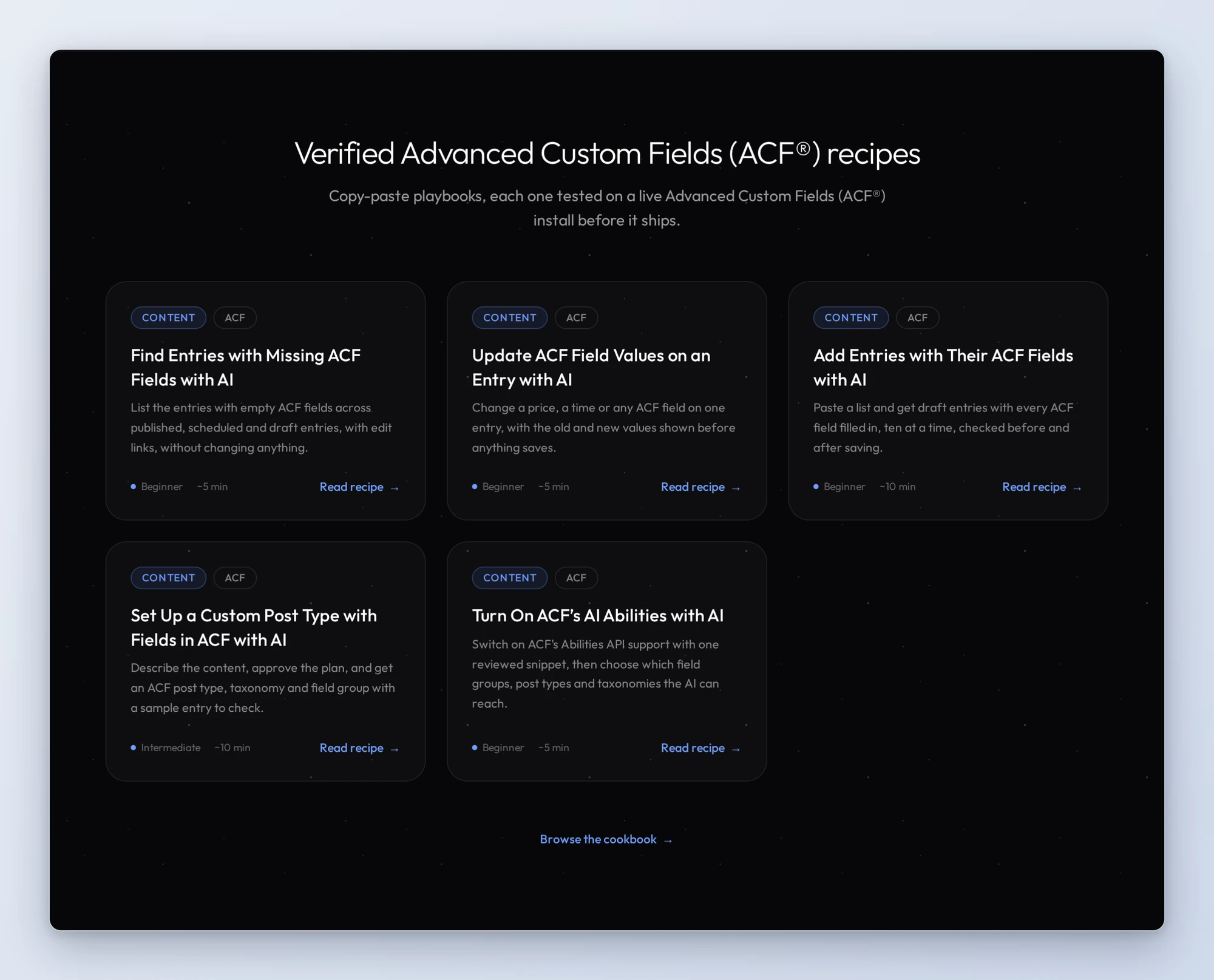
All five recipes live on the ACF page, along with every verified ability and the gotchas we found. If you only try one, make it the missing-fields check. It changes nothing and shows you where your content actually stands.
John and the WPVibe team
P.S. WPVibe is free to start and works with the Claude or ChatGPT account you already have, so there is no second AI subscription to buy. Connect your site and ask which of your entries are missing details.