Your AI Just Learned Rank Math SEO

It is easy to run Rank Math’s SEO Analyzer once, during setup, and forget it. It comes back with a score and a long column of red and orange rows, and the plan is to come back to it. Meanwhile the posts list fills up with empty meta descriptions, the thank-you page shows up in Google, and a page you published last month still isn’t in the sitemap.
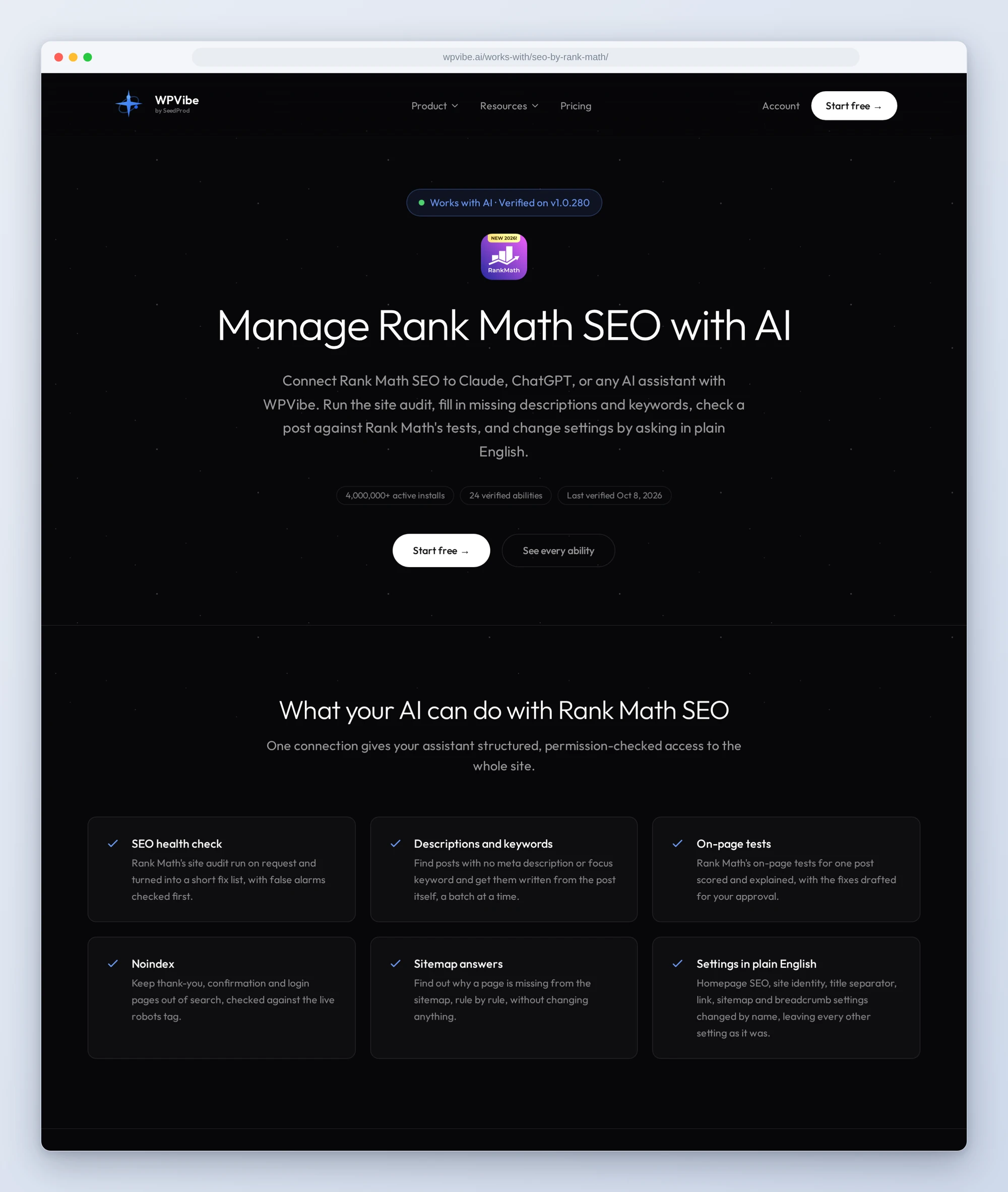
Rank Math has been opening itself up to AI assistants for a few releases now. The free plugin registers 29 Rank Math abilities through the WordPress Abilities API: the site audit, its fixes, your settings, the sitemap, link and score reports, and a read of the SEO data on each post.
So we tested them. Today WPVibe ships a verified Rank Math SEO page and five tested recipes, which means the AI you already use can work through that list with you, on the free version of Rank Math.
What you can ask for
Each of these is a copy-paste prompt we ran against a live Rank Math install before publishing it:
- Get an SEO health check: the AI runs Rank Math’s own audit, sorts the results into fix now, worth doing and fine to ignore, checks the suspicious ones before repeating them, and changes nothing unless you say yes to a specific fix
- Write missing meta descriptions and focus keywords: written from what each post actually says, ten posts at a time, shown to you in a table before anything is saved
- Keep utility pages out of search: thank-you, confirmation and login pages set to noindex once you confirm the list, then checked on the live page
- Run Rank Math’s on-page tests on a post: each test explained in plain English, with the three fixes that would help most drafted for your approval
- Find out why a page is missing from your sitemap: the page checked against every rule Rank Math uses to leave something out, with the one change that puts it back
In practice it sounds like this. You paste the health check and ask what to fix first. Following the recipe, the AI runs the audit, reads your settings and system status alongside it, and comes back with a short list instead of the full list of tests. When the robots.txt test fails, it fetches the file itself before blaming Rank Math, because on some servers it is the host, not the plugin, that stops the file being served. Then it tells you what to change and where, and waits.
Who this is for
- Site owners who installed Rank Math and never went back. The audit, the empty descriptions and the stray pages in search are a conversation now, not an afternoon in settings screens.
- Bloggers with a back catalog. A few hundred posts without a description or focus keyword get filled in ten at a time, from the posts themselves, and you read every one before it goes out under your name.
- Agencies running Rank Math on client sites. Same five prompts on every site, and the sitemap recipe answers “why isn’t my page in the sitemap” before the client emails twice.
How to get started
Step 1: Update Rank Math and install WPVibe
Update Rank Math SEO to 1.0.279 or newer, on WordPress 6.9 or newer. The free version is all you need. Then install the free WPVibe plugin from WordPress.org.
Step 2: Connect the AI you already use
WPVibe’s settings screen has buttons to add it to Claude or ChatGPT, plus a server address for other AI apps. Sign in with a free WPVibe account when your AI asks, then paste the connect line from the same screen into your AI and open the link it replies with while logged in to your WordPress site. No passwords ever go in the chat.
Step 3: Start with the health check
Open a recipe, paste the prompt, and fill in your details. The health check changes nothing without your yes, so it is the safe first one.
Why these are worth trusting
We installed Rank Math 1.0.280 on a test site and ran 24 of the 29 through WPVibe before writing a single recipe. The other five need Google Search Console connected in Rank Math or a Rank Math account with AI Visibility, so we did not verify them and left them off the ability list. Every settings change was compared with a snapshot taken before it, and each one changed only the fields it named.
Then we wrote down what would have sent an AI the wrong way:
- The automatic fixes do more than their names say. The robots.txt fix replaces the robots.txt Rank Math generates with a short default that drops your sitemap line. The two keyword fixes set focus keywords on up to 100 posts and pages per run by default (500 if asked), made from the first three words of each title, and one of them overwrites keywords you already chose. The health check tells the AI to leave those alone.
- The thing you most want is not an ability. No Rank Math ability writes the description, focus keyword or robots setting of a post you choose. The only exception is the homepage’s title and description. The recipes save them through Rank Math’s own update route, the one its editor panel uses, and read every post back afterward.
- The sitemap does not notice right away. Rank Math caches its sitemap and rebuilds it only after certain saves in wp-admin, such as Quick Edit in the Pages or Posts list (on a plain install, saving in the block editor does not count), so a change made through the AI may not show up there until the cache is cleared. Quick Edit on one item of the same kind (a page for a page, a post for a post), then Update, does it, and the recipes tell you when that applies.
- Settings changes do not stop for approval. WPVibe asks for your approval before permanent or security-sensitive steps, such as deleting something, running code or changing a user’s role. Rank Math’s settings writes and automatic fixes are none of those, so they run as soon as the AI calls them. That is why every recipe that changes something has the AI show you the change and wait for your yes first.
Credit to Rank Math
Rank Math built these abilities themselves and keeps adding to them; the sitemap status and 404 log abilities arrived in 1.0.279. They also offer their own MCP connection for Claude, ChatGPT and other assistants, with a guide to its tools. If you already use WPVibe, there is no second connection to set up: the same abilities come through WPVibe, next to everything else the AI can do on your site, from editing pages to managing plugins.
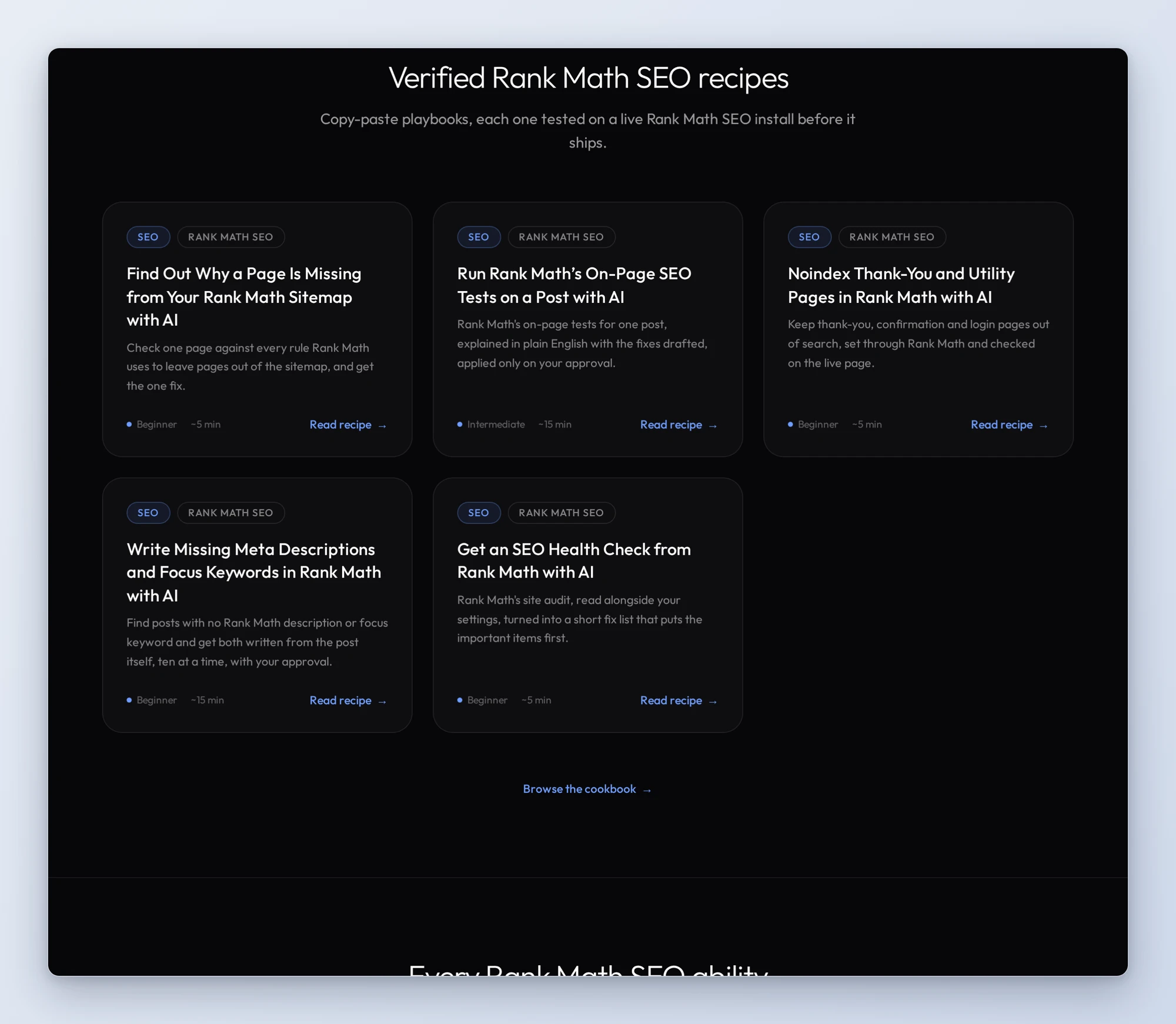
All five recipes live on the Rank Math SEO page, along with every verified ability and the gotchas we found. If you only try one, make it the health check. It changes nothing without your yes and tells you where your SEO actually stands.
John and the WPVibe team
P.S. WPVibe is free to start and works with the Claude or ChatGPT account you already have, so there is no second AI subscription to buy. Connect your site and run the health check.