WPVibe Now Speaks Breakdance
Breakdance made a bold bet: rebuild the page builder from scratch, no legacy, no compromises. The people who took that bet love it. But it left them stranded with AI tools, because Breakdance stores pages in its own data format with a CSS cache on disk, and nothing generic can write that safely. The failure mode is nasty, too: touch the data directly and the page can keep serving its old styles from the stale cache, so things look fine right up until they do not.
WPVibe now speaks Breakdance. Not “generates HTML that vaguely resembles your page.” The real thing.
Native pages, fresh CSS, every save
WPVibe writes through a dedicated Breakdance save path that encodes the layout exactly the way Breakdance does and regenerates the CSS cache on every save, so pages render correctly on the first load. The hard part was the editor: Breakdance validates its own data strictly before it will open a page, and a near-miss produces a page that renders on the front end but refuses to open in the builder. We got that contract exactly right, so every page WPVibe builds opens in the Breakdance editor like one you made by hand.
What that unlocks:
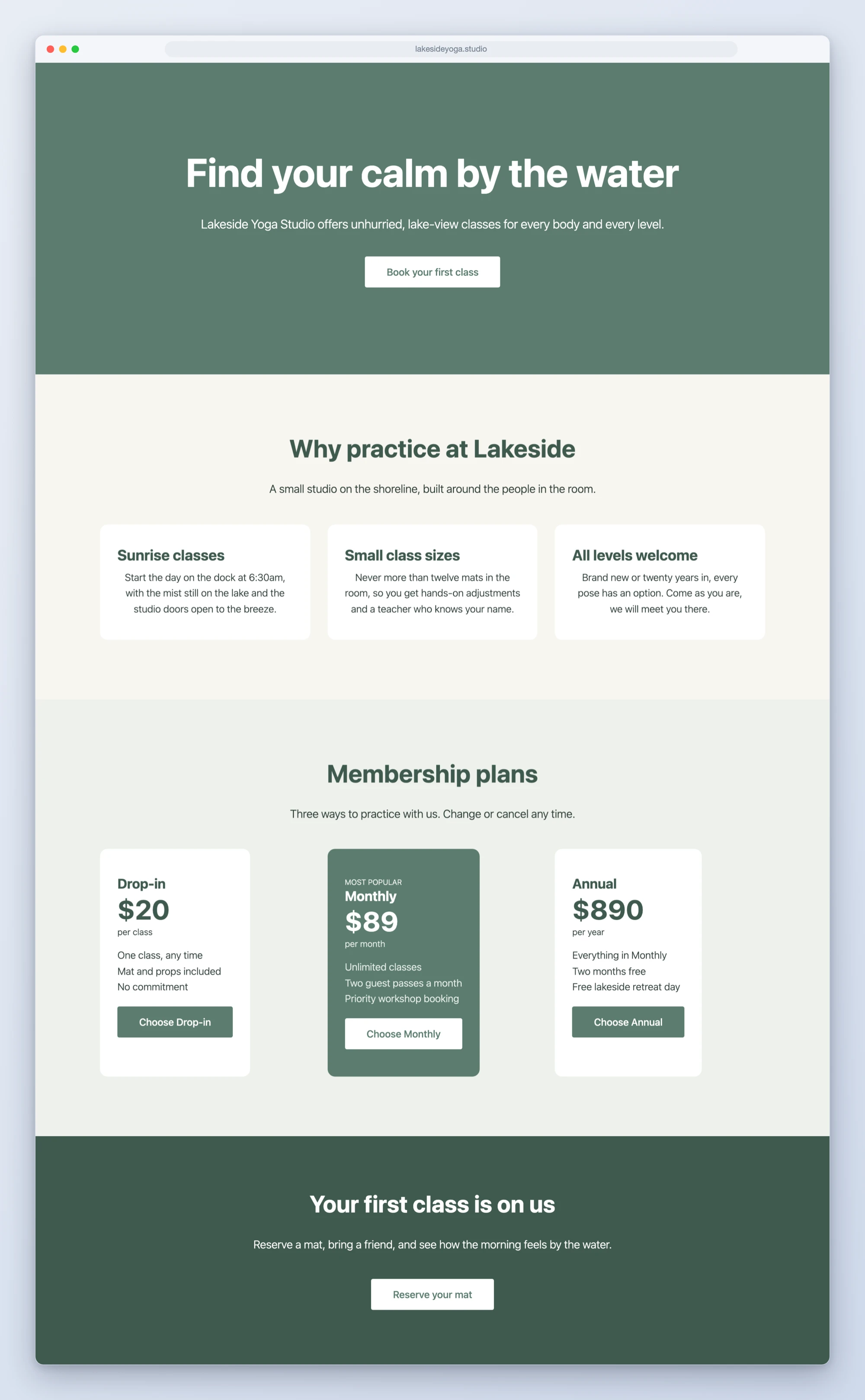
- Landing pages on a blank canvas. “Build me a landing page” comes back on Breakdance’s blank canvas template: no theme header, no page title, just your sections, saved as a draft for you to review in the builder.
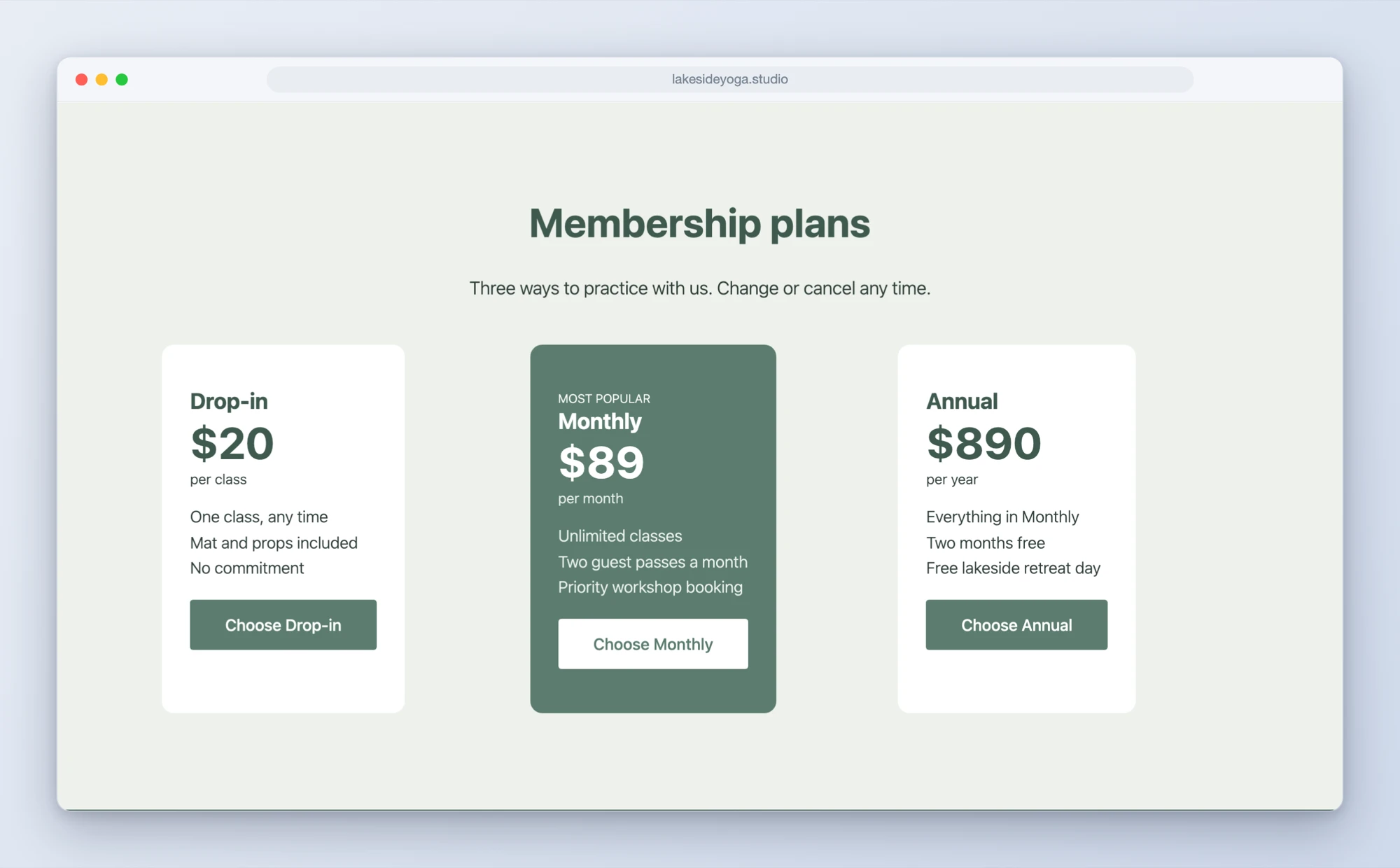
- Breakdance Free is a first-class citizen. WPVibe checks whether your site runs Free or Pro and composes accordingly. Ask for pricing on a Free site and it builds the table from free elements instead of dropping a Pro element that renders as an upgrade notice.
- Bulk text and SEO passes. Rename a product across every Breakdance page in one conversation. WPVibe finds every page containing the old text, shows you the list, waits for your approval, then updates each page through Breakdance’s own save path. Layouts stay intact, styling stays fresh, and your database never sees a raw search-and-replace.
- Surgical edits to existing pages. It reads the page’s element tree, changes only what you asked, and reports every change with before and after text.
That bulk-edit one deserves a number. Doing the same rename with database queries means approving each statement one by one; a real SEO pass can be dozens of clicks, each one a chance to approve something you should not. As a conversation, it is one review of the page list and one review of the change log.
Two recipes to start from
Both tested, both copy-paste:
How to get started
Step 1: Update the WPVibe plugin. Breakdance support ships in the latest release on WordPress.org.
Step 2: Connect your site. About 30 seconds at wpvibe.ai/start, on any host.
Step 3: Ask for a page, or a rename. Everything lands as a draft or behind your explicit approval before it touches anything live.
Tested against the real thing
This integration is exercised against a live Breakdance install, building and verifying real pages end to end, including opening them in the Breakdance editor, because “renders fine but will not open in the builder” is exactly the class of bug that slips through otherwise. Before shipping, we pointed AI agents with no documentation at the site and told them to build pages and run a product rename across the whole install using nothing but the prompts above. The rename finished with the page layouts byte-for-byte identical in styling, which is the point.
If you run a Breakdance site, try the rename you have been dreading. That is what it is for.
Thanks for building with us.
John and the WPVibe team
P.S. Breakdance support is free, like every WPVibe feature, and works with both Breakdance Free and Pro. Connect at wpvibe.ai/start, or install the WPVibe plugin from WordPress.org.