Your AI Just Learned SiteSEO
Open the source of one of your pages and find the meta description, the line search engines are offered under your title. If you never wrote one, SiteSEO fills it with the excerpt or the first words on the page. On a page builder page that can be a button label and a countdown. Meanwhile your thank-you page sits in search results where nobody should land on it, and the new page you published last week still isn’t in your sitemap. Nobody checks, because checking means opening every post one at a time.
SiteSEO, on 400,000+ sites by WordPress.org’s count, handles all of that: titles, meta descriptions, robots rules, social cards and the XML sitemap. Its latest version, 1.4.2, also gives AI assistants abilities to read and update each post’s SEO fields, find the posts missing them, and report on your settings and sitemap. WPVibe now has a verified SiteSEO page and five tested recipes, so the AI you already use can write your missing descriptions, keep utility pages out of search, give you a health check, fix how your posts look when shared, and tell you why a page is missing from your sitemap.
What you can ask for
Each of these is a copy-paste prompt built on calls we ran against a live SiteSEO install before publishing it:
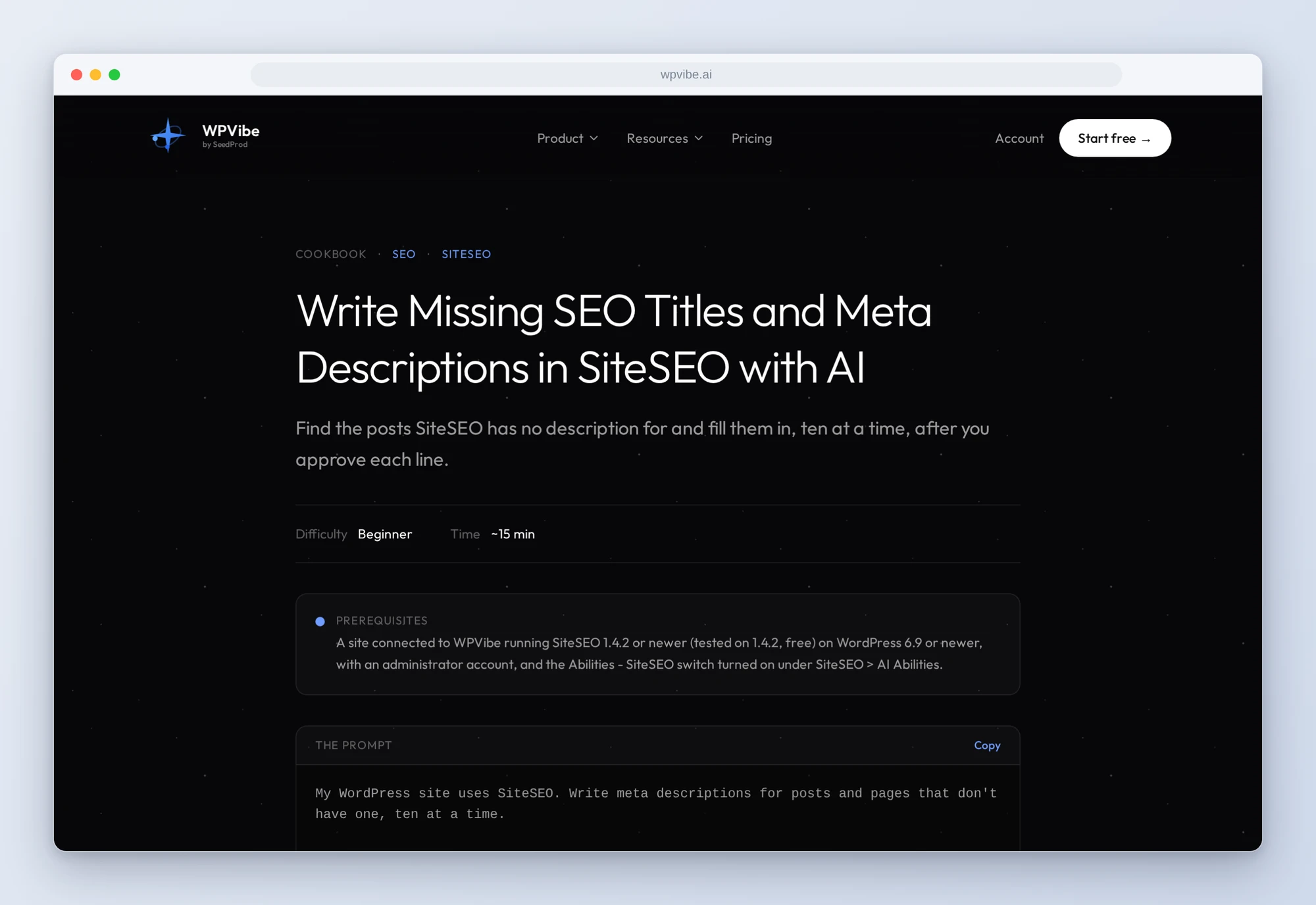
- Write missing SEO titles and meta descriptions: the posts with no description of their own, ten at a time, each written from what the post actually says and shown to you in a table before anything is saved
- Noindex thank-you and utility pages: the pages that only make sense after an action, kept out of search results and out of the sitemap once you confirm the list
- Get an SEO health check: your settings, sitemap, robots.txt and homepage, sorted into fix now, worth doing and fine to ignore, with nothing changed
- Fix how your posts look when shared: the preview card a post makes on Facebook or LinkedIn, before and after, with a title, text and, if it has none, an image from your own media library
- Find out why a page is missing from your sitemap: the one SiteSEO rule that keeps it out, and the one change that brings it back
In practice it sounds like this. You paste the descriptions recipe. The AI asks SiteSEO which published posts and pages have no description, tells you how many are missing, and reads the first ten. For each one it writes a description of 120 to 160 characters from what the post says, and shows you a table with the post, the new line and its character count. You change two lines and say yes. It saves only those fields, reads them back, and opens the first page’s live source to confirm the new description is in the meta tag. Then it asks before starting the next ten. It never overwrites a description you already wrote.
Who this is for
- Site owners who installed an SEO plugin and never filled it in. Get descriptions written from your own content, ten posts at a time, each one approved by you.
- Stores and course sites with thank-you, order-confirmation and download pages. Keep the pages nobody should land on from search out of the results and the sitemap.
- Anyone whose new page never shows up. Find the setting, the noindex or the cached sitemap that is keeping it out.
- Agencies looking after many sites. A plain-language health check per site, without clicking through every settings tab.
How to get started
Step 1: Install or update SiteSEO and turn on its abilities. The recipes need SiteSEO 1.4.2 or newer on WordPress 6.9 or newer, with an administrator account. SiteSEO’s abilities are off until you turn on the Abilities – SiteSEO switch at the top of SiteSEO > AI Abilities. That switch is all WPVibe needs: the MCP Adapter and Application Password steps on that page are for connecting an AI client to WordPress directly.
Step 2: Install WPVibe and connect the AI you already use. WPVibe is an MCP server that connects the AI you already use to your WordPress site. Install the free WPVibe plugin from WordPress.org. Its settings screen has buttons to add it to Claude or ChatGPT, plus a server address for other AI apps. Sign in with a free WPVibe account when your AI asks, then paste the connect line from the same screen into your AI, open the link it replies with while logged in to your WordPress site, and approve. No passwords ever go in the chat.
Step 3: Start with the health check. It only reads, so it is the safe first run, and it tells you what to fix first and where.
Why these are worth trusting
We installed SiteSEO 1.4.2, the free version, on a test site that already runs WooCommerce and LifterLMS, with a static front page built in a page builder. All 8 abilities ran through WPVibe, and after every change we read the live page source and the sitemap files themselves. We wrote down what would have sent an AI the wrong way, from our tests and from SiteSEO’s code:
- The abilities are off on a fresh install. Nothing from SiteSEO shows up for the AI until the Abilities – SiteSEO switch is on, so every recipe checks for it first and tells you where it is.
- A noindex doesn’t leave the sitemap on its own. SiteSEO keeps each sitemap list for up to 12 hours and rebuilds a post type’s list when a post of that type is saved. A noindex set through the abilities showed on the page at once, but the page stayed in the sitemap until we re-saved it. The recipes re-save one published page without changing its content, and the sitemap was clean straight away.
- The free plugin’s abilities return no SEO score. The score came back empty for every post, including one SiteSEO had just analyzed, so the recipes work from the fields themselves and never report a score.
- “Missing” counts can mislead. The list of posts missing a description reports how many posts of those types exist, not how many are missing, and by default it includes attachments and every other public type (quiz pages, on our LifterLMS test site). The recipes page through it and count for you.
- Settings stay yours. The AI can read SiteSEO’s settings and tell you what to change, but title templates, sitemap options and social defaults change in wp-admin. The abilities write per-post fields only, and these changes run at once with no approval page, so every recipe that saves shows you the changes and waits for your yes first.
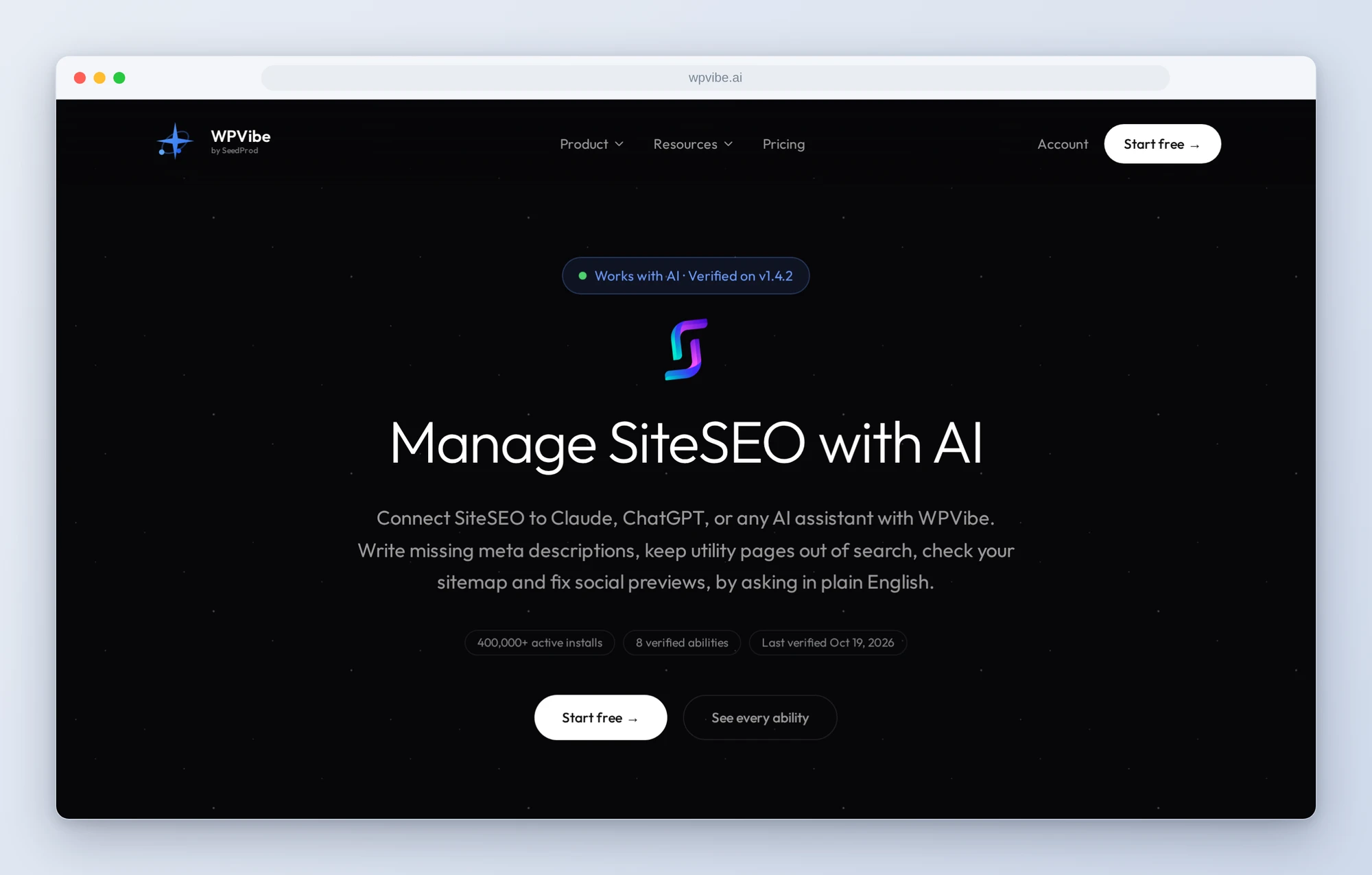
The SiteSEO page has every ability we verified and the gotchas we found. If you only try one, make it the missing descriptions. It is the one searchers will see.
John and the WPVibe team
P.S. WPVibe is free to start and works with the Claude or ChatGPT account you already have, so there is no second AI subscription to buy. Connect your site and let your AI fill in the descriptions you never got to.