Your AI Just Learned Fluent Forms
You find out weeks later. A customer says they filled in your contact form and never heard back, and nobody on your team got an email about it. The entry is sitting in Fluent Forms, along with a pile of others nobody has read, half of them spam.
Fluent Forms, the free form plugin from WPManageNinja that WordPress.org counts on 700,000+ sites, keeps everything you need to fix that: every entry, every form’s emails, and a log of what it tried to send. Getting through it by hand means opening forms one at a time in wp-admin.
Today WPVibe ships a verified Fluent Forms page and five tested recipes, so the AI you already use can sort your entries, find out why form emails aren’t arriving, add an automatic reply, and check every form on your site, on the free version of Fluent Forms.
What you can ask for
Each of these is a copy-paste prompt built on calls we ran against a live Fluent Forms install before publishing it:
- Sort your entries into leads and spam: reads the entries for your dates from the entries list, so nothing gets marked read, then stars the likely customers and moves the spam after your yes, with an undo
- Fix form emails that never arrive: checks every form’s emails, the send log with its failed and skipped reasons, real people stuck in spam and whether the site has a mailer plugin, then fixes one form at a time on your yes
- Send an automatic reply: thanks the person who filled in the form, checks the form has bot protection first, and repeats only their first name and the options they picked
- Find broken and forgotten forms: where each form is used, which pages embed a deleted or unpublished form, and which forms look unused (embedded nowhere, no entries in 90 days), without changing anything
- Get a monthly report on your entries: entries per form this month and last, plus spam and unread, without changing anything
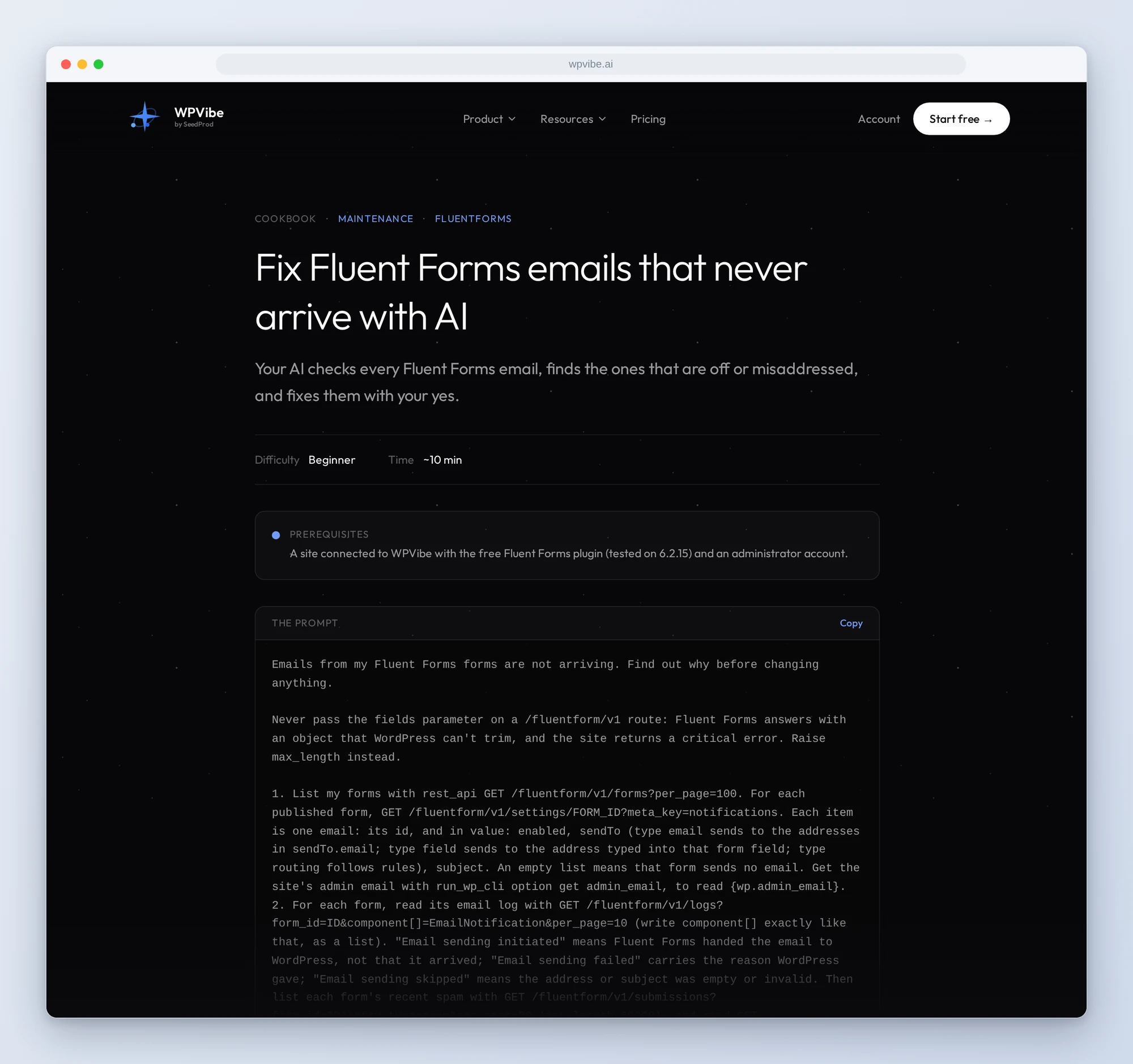
In practice it sounds like this. You paste the email recipe and say “my form emails stopped arriving.” Following it, the AI lists every published form, reads each form’s emails and what Fluent Forms’ log says happened to the last ones, and looks for real people in your spam. Then it tells you in plain words what it found: say the contact form’s admin email is switched off and there is no mailer plugin. It changes nothing until you say yes, and then it fixes one form at a time and reads each one back.
Who this is for
- Small businesses whose forms bring in the work. Check that every form’s email is on and going to the right inbox, and find out why one isn’t.
- Anyone with a spam problem. The likely customers get a star, the junk goes to spam, and you see the list before anything moves.
- Agencies and freelancers. A check of every form on a client site, and the pages showing a blank space where a form used to be, in one prompt.
- Owners who want the numbers. Entries per form, month over month, without opening the dashboard.
How to get started
Step 1: Install or update Fluent Forms. The free version is enough; we tested on 6.2.15. There is no setting to turn on. Use an administrator account, since the recipes read Fluent Forms’ settings and email log.
Step 2: Install WPVibe and connect the AI you already use. WPVibe is an MCP server that connects the AI you already use to your WordPress site. Install the free WPVibe plugin from WordPress.org. Its settings screen has buttons to add it to Claude or ChatGPT, plus a server address for other AI apps. Sign in with a free WPVibe account when your AI asks, then paste the connect line from the same screen into your AI and open the link it replies with while logged in to your WordPress site. No passwords ever go in the chat.
Step 3: Start with your emails. Open the email recipe and paste the prompt. It reads first and asks before it changes anything.
Why these are worth trusting
We installed Fluent Forms 6.2.15 on a test site and filled it with realistic data: a contact form with a month of entries, spam included, a tour enquiry form, and pages embedding forms, one of them a form that had been deleted. Outgoing mail was captured to a log, never sent. Then we ran the calls every recipe makes through WPVibe and wrote down what would have sent an AI the wrong way:
- New forms send nobody an email. Fluent Forms’ form templates create the admin email switched off. Until someone turns it on, entries arrive and nobody hears about them.
- “Sent” in the log isn’t “delivered”. The log line “Email sending initiated” means Fluent Forms handed the email to WordPress. Without a mailer plugin, many inboxes filter mail sent straight from the server.
- Opening an entry marks it read. Through the API, the same as in wp-admin. The recipes read entries from the list instead, so your unread count stays honest.
- The star is a switch. Fluent Forms’ single-entry star call adds the star or takes it away. The recipes use its bulk route, which sets or clears it and is safe to repeat.
- Email settings are saved as one block. Changing one email replaces all of its settings, so the recipes read it first and send it back whole with the change.
- A deleted form leaves a blank space. A page that embeds a deleted or unpublished form shows nothing, with no error to you or your visitor. The audit recipe finds those pages.
Credit to WPManageNinja
Fluent Forms 6.2.15 also ships 20 tools for AI assistants, with a preview-then-confirm step on every change. They are off until you switch on MCP in Fluent Forms’ settings, and Fluent Forms keeps them off WordPress’s Abilities REST API on purpose, because that route would skip the extra gate on its own MCP endpoint. We respect that call. So the recipes use Fluent Forms’ own REST API, the one its admin screens run on, which checks Fluent Forms’ own permissions and works on every install with nothing to switch on.
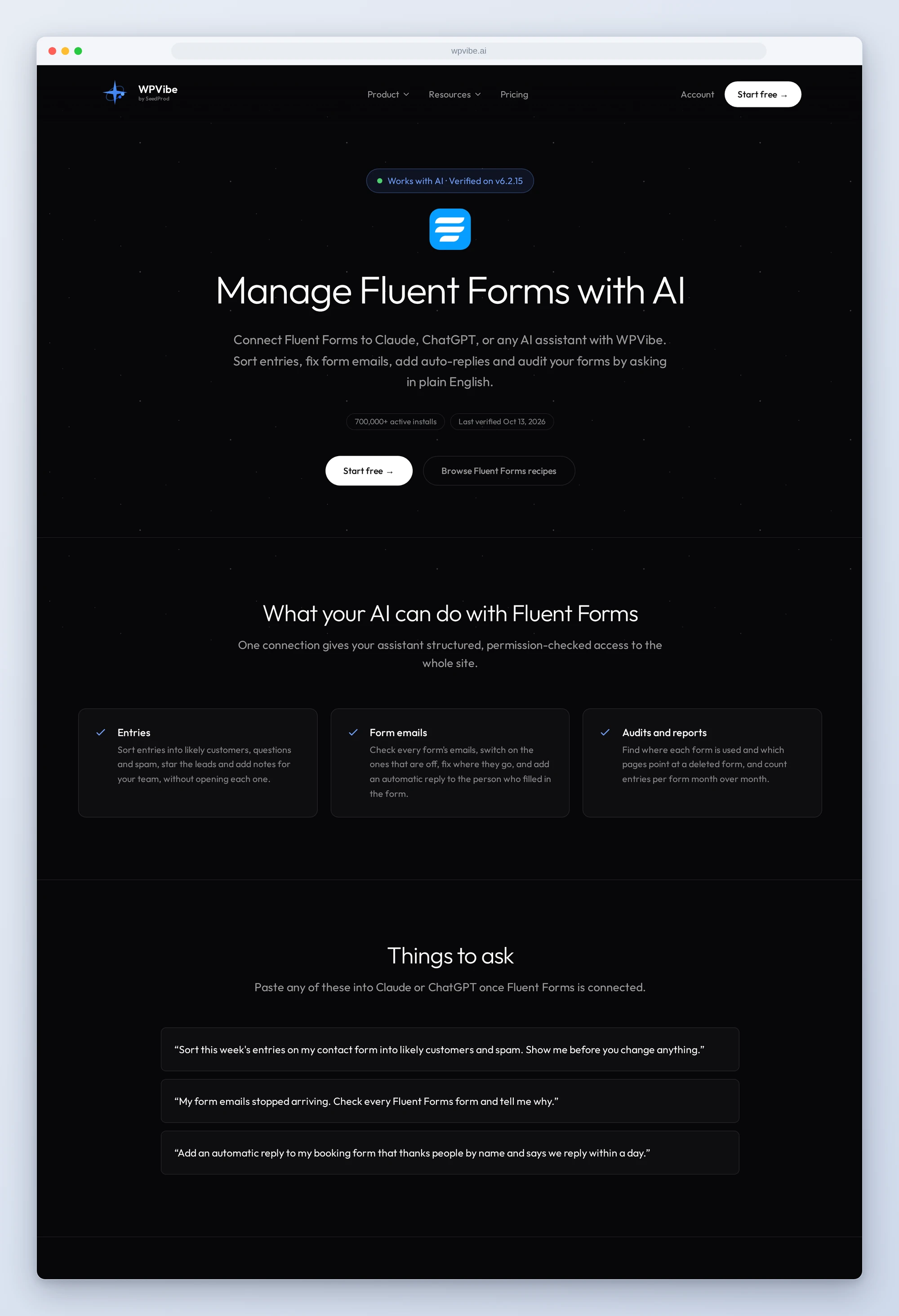
All five recipes live on the Fluent Forms page, with the gotchas we found and our stop contact form spam recipe. If you only try one, make it the email check. It reads first, and nothing changes until you say yes.
John and the WPVibe team
P.S. WPVibe is free to start and works with the Claude or ChatGPT account you already have, so there is no second AI subscription to buy. Connect your site and check your form emails.