Your AI Just Learned All in One SEO
Most SEO work is not strategy. It is the same small job, repeated. Open a post, scroll to the SEO panel, write a title and a description, save, next post. Everybody knows it matters. On most sites, most of those boxes are still empty, because a hundred posts is a hundred trips to the same panel and there is always something more urgent.
All in One SEO 5 changes the shape of that. It now tells AI assistants what it can do, in a language they understand, using the WordPress Abilities API. SEO titles and descriptions, focus keyphrases, social share text, noindex settings, robots.txt rules, the site audit, and open warnings. That is thirteen operations in the free version. All in One SEO Pro adds redirects, the 404 log, category and tag SEO, and Search Statistics, for twenty-six in total.
So we built on it. Today WPVibe ships six tested All in One SEO recipes and a verified Works with AI page, which means the AI you already use can do the repetitive half of your SEO by being asked. Five of the six work with the free version.
What you can ask for
Every one of these is a copy-paste prompt we ran against a live All in One SEO install before publishing it:
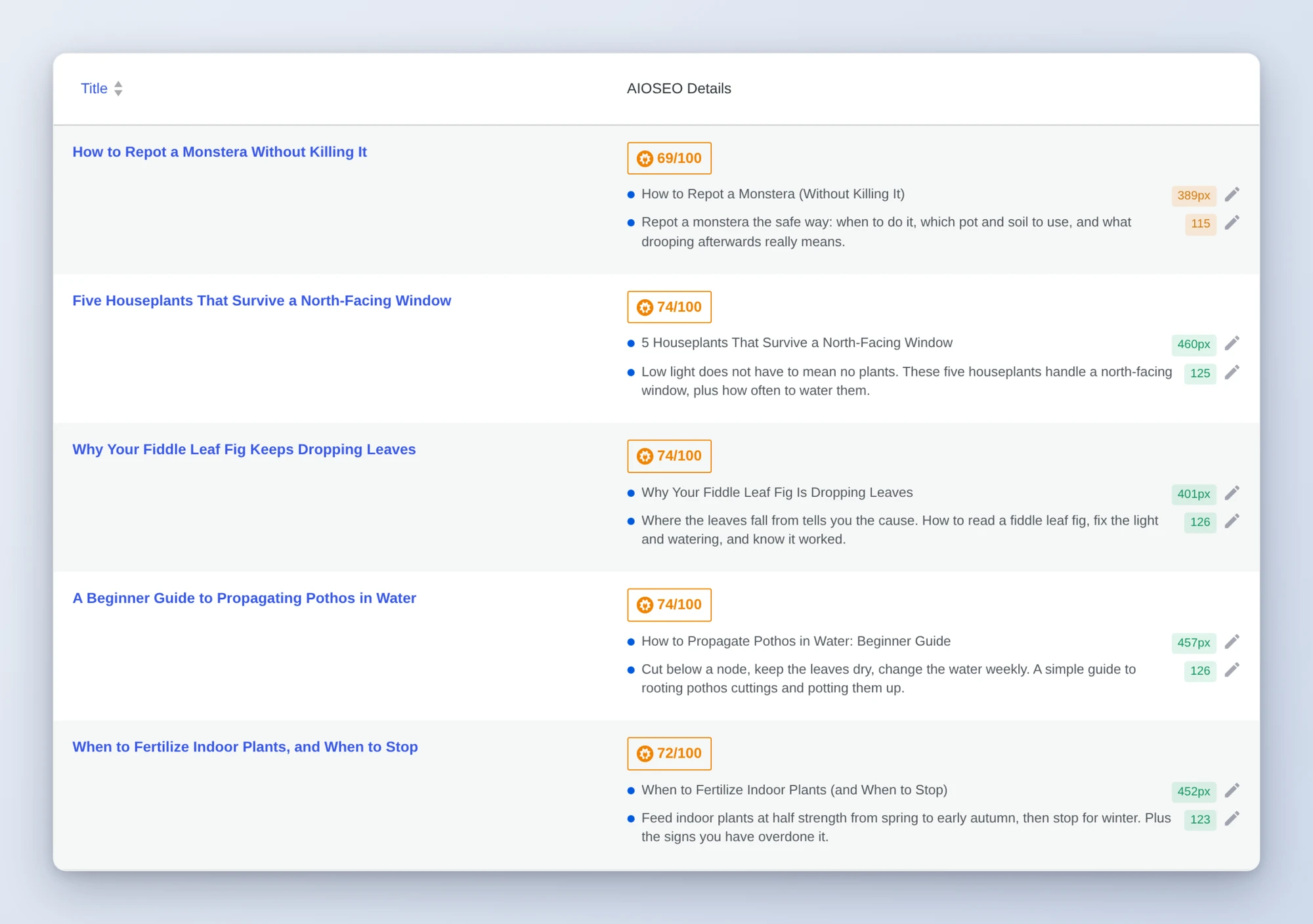
- Write missing SEO titles and meta descriptions, plus a focus keyphrase, from what each post actually says, ten at a time
- Fix how your posts look when shared with share text written for a feed instead of a search result
- Block AI crawlers in robots.txt and see the file that is really being served afterwards
- Noindex thank-you and utility pages so confirmation and login pages stop showing up in search
- Get an SEO health check that turns five screens into one prioritized list
- Turn your 404 log into redirects, matched to the right live page and tested (Pro)
Picture the afternoon you finally deal with the backlog. You ask which posts have no meta description. The answer is sixty-three. Ten minutes later the first ten are written from the posts themselves, sitting in a table for you to read. You fix two that do not sound like you, approve the rest, and ask for the next ten.
Who this is for
- Bloggers with a back catalog. Years of posts, most of them with an empty SEO panel, and no realistic plan to go back through them by hand.
- Site owners who never open the settings. All in One SEO knows what is wrong with your site. The health check is how you find out without learning five screens.
- Freelancers and agencies. The first week with a new client site is the same cleanup every time: missing descriptions, indexed thank-you pages, a 404 log nobody has read.
How to get started
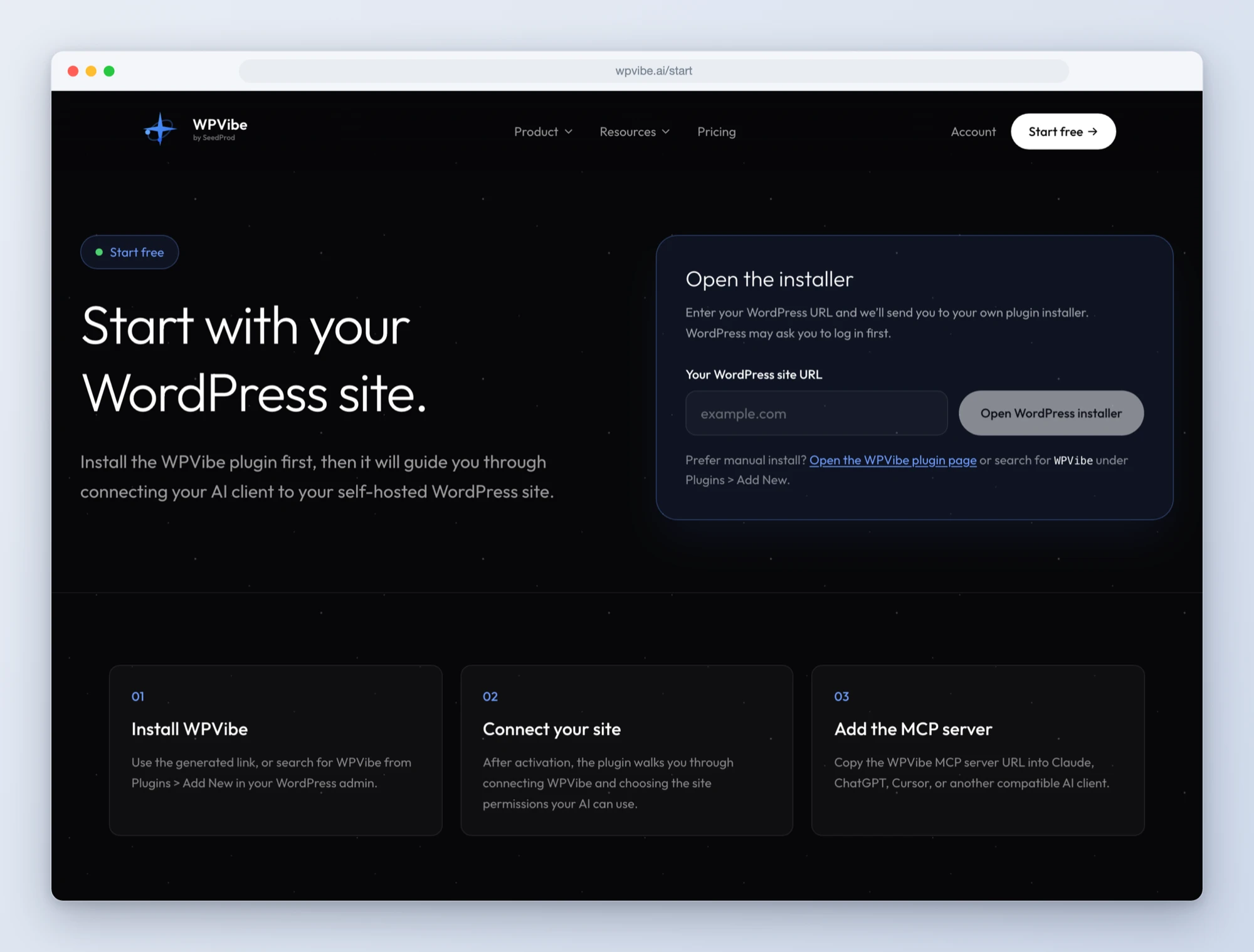
Step 1: Install the free WPVibe plugin
Add the WPVibe plugin to the site running All in One SEO, and make sure All in One SEO is on version 5 or newer and WordPress is on 6.9 or newer. The free version of All in One SEO is enough for five of the six recipes.
Step 2: Connect the AI you already use
Claude, ChatGPT, Cursor and others. One click to authorize, about thirty seconds, and no passwords ever go in the chat.
Step 3: Ask for what you want
Open an All in One SEO recipe, paste the prompt, fill in your own details. Start with the health check. It is read-only, so there is nothing to undo, and it tells you which of the other five to run first.
Why these are worth trusting
The worst way for an AI to fail is to tell you it worked. So for every recipe we checked the result somewhere the AI could not fool itself: the page source, the served robots.txt, a real request to a redirected address. That habit found three things.
We added a rule to block a crawler. All in One SEO saved it and confirmed it. The live robots.txt did not change, because the custom robots.txt editor was switched off, and in that state rules are stored and never served. The recipe now checks that switch first and reads the served file at the end, and if the rule is missing it says so instead of reporting success.
We asked for posts missing SEO data and our newest posts were not on the list. All in One SEO only sees a post once it has registered it, which happens in the background or when the post is saved in the editor. Until then the post comes back as not found. The recipe tells the AI to explain that and move on instead of retrying forever.
And every post reported a TruSEO score of zero. Those scores are calculated inside wp-admin, so content that has not been analyzed yet has no score at all. An AI that ranked your worst content by that number would hand you a confident, meaningless list. The health check refuses to do it.
Credit to the All in One SEO team
All in One SEO joins Works with AI, our program for plugins that are verified to work well with AI assistants. Credit where it is due: their team drew the line in a sensible place. An AI can read your settings and cannot change a single one of them. Settings stay in the admin, on purpose. Updates only touch the fields you send, so writing a meta description cannot wipe a canonical URL. And deleting a robots.txt rule is marked as destructive, so WPVibe stops and asks you to approve it in your browser before anything happens.
One honest limitation while it is fresh. Pro also lets an AI read Search Statistics and edit SEO for categories and tags, and we have not published recipes for either yet. Search Statistics needs a site with real Google Search Console history to test properly, and we only publish what we have tested. Those are next.
All six recipes live on the All in One SEO page, along with every ability and the gotchas we found. If you run All in One SEO, start with the health check. It takes a minute, changes nothing, and tells you where the real work is.
John and the WPVibe team
P.S. WPVibe is free to start and works with the AI plan you are already paying for, so there is no second AI subscription to buy. Connect your site and try the first recipe.